


AEscripts – Unwarp for Photoshop v1_0_2
AEscripts – Unwarp for Photoshop v1_0_2
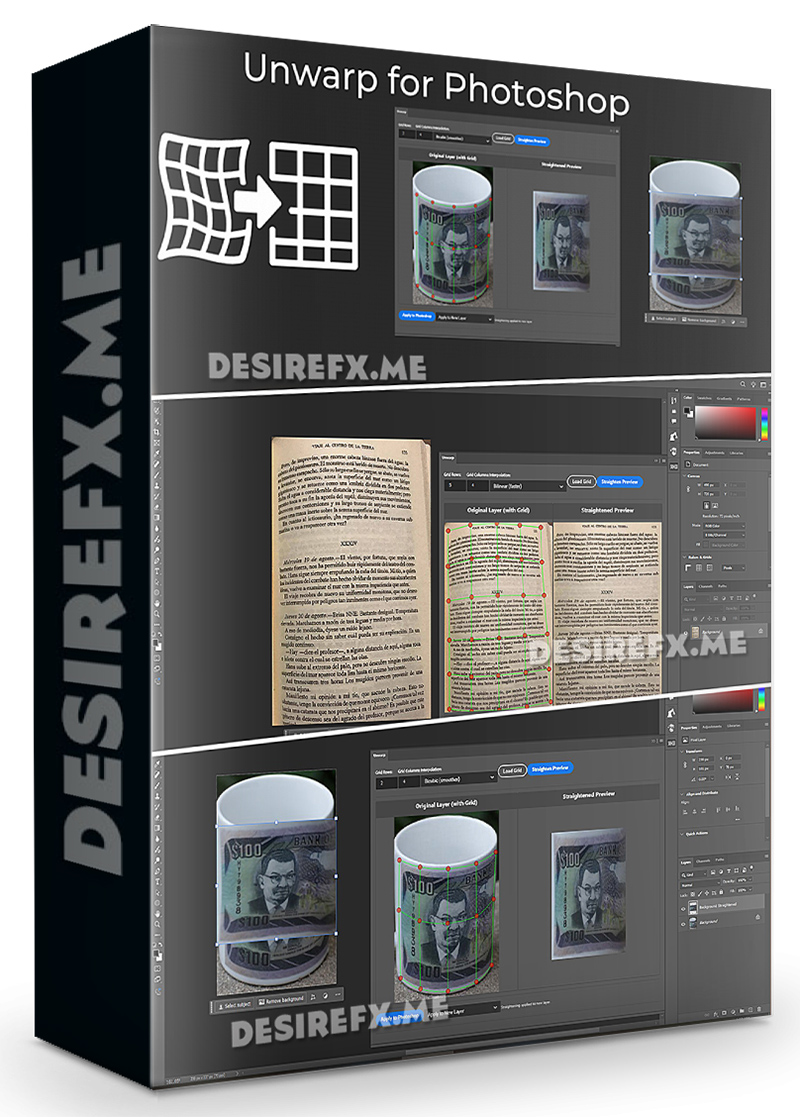
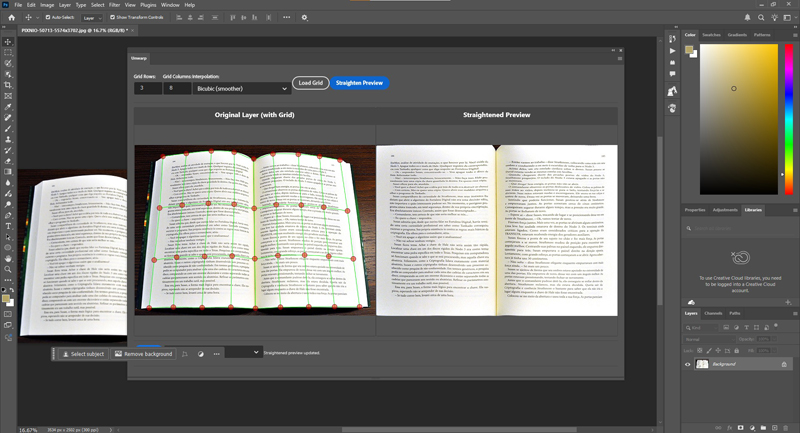
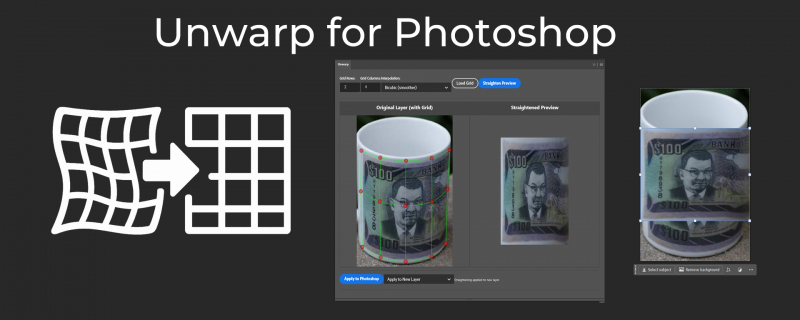
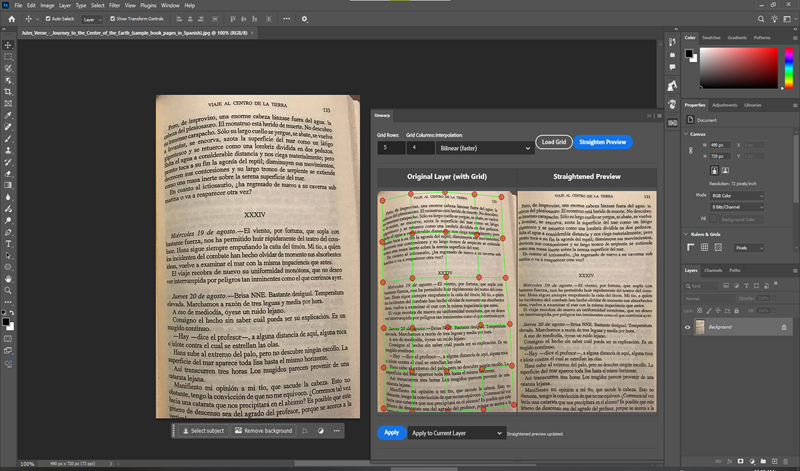
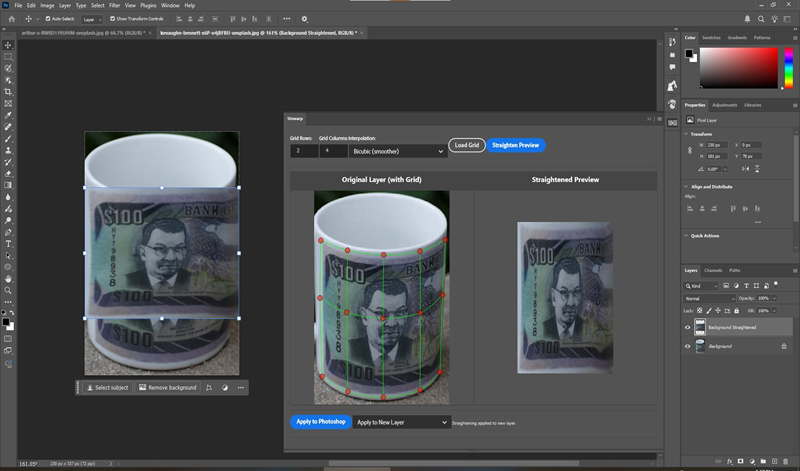
Straighten warped/curved images in Photoshop by aligning a grid to the image curvature.
This tool works like the opposite/reverse of the warp tool. Drag the gridlines to match the curvature of your image, then press “straighten” to snap the grid into the original position, straightening the image along with it. This is kind of like how the perspective warp tool works, but for curvature. You can customize the number of columns/rows in the grid, and you can choose between bilinear interpolation (faster) or bicubic interpolation (slower with larger images but smoother).
Now supports 16 and 32-bit depth images in addition to regular (8-bit depth) images.
Version: 1.0.2
Home Page: _https://aescripts.com/unwarp-for-photoshop/