


Quick Studio Light v1.1.5 for Blender
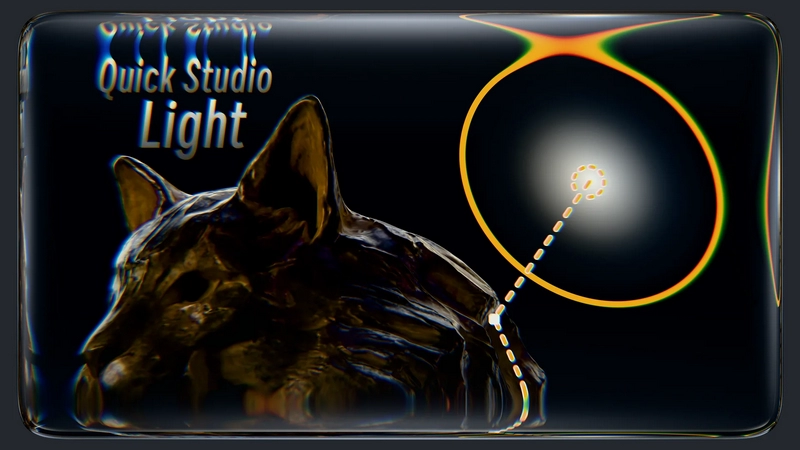
Quick Studio Light v1.1.5 for Blender
Usage:
Press Shift + R to activate Lighting Mode. Hover the cursor over objects to automatically control the light and illuminate the desired area.
Press Spacebar to switch to Precision Adjustment Mode. Use Left Mouse to confirm positioning, or Right Mouse/Esc to cancel.
Press Ctrl + Right Mouse to open the Light Parameters Panel. This panel displays both standard light parameters and automatically retrieves available parameters from light node groups for easy node adjustments.
Quickly and precisely select corresponding lights by pressing Alt + Right Mouse on areas lit by the lights, eliminating the need to search through scattered lights.
Customize shortcuts in the Preferences settings.