


All-in-one decal solution Paint, Spray, Draw, Fill & add Edge Mesh Decals! – Unreal Engine
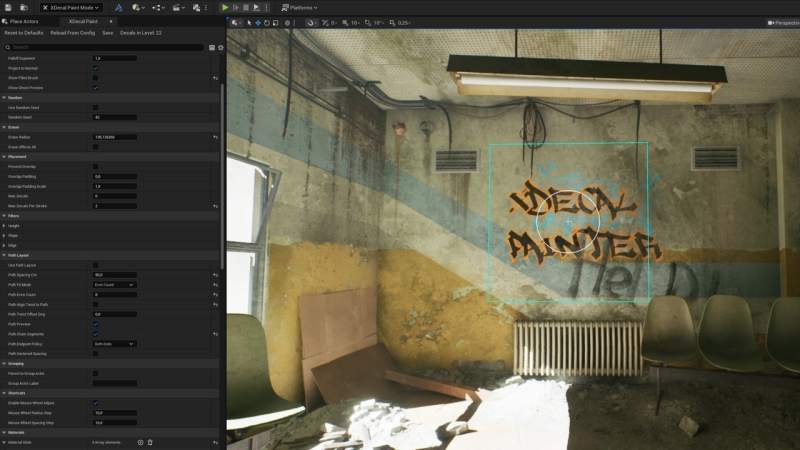
All-in-one decal solution Paint, Spray, Draw, Fill & add Edge Mesh Decals! – Unreal Engine
New in V3.9.2
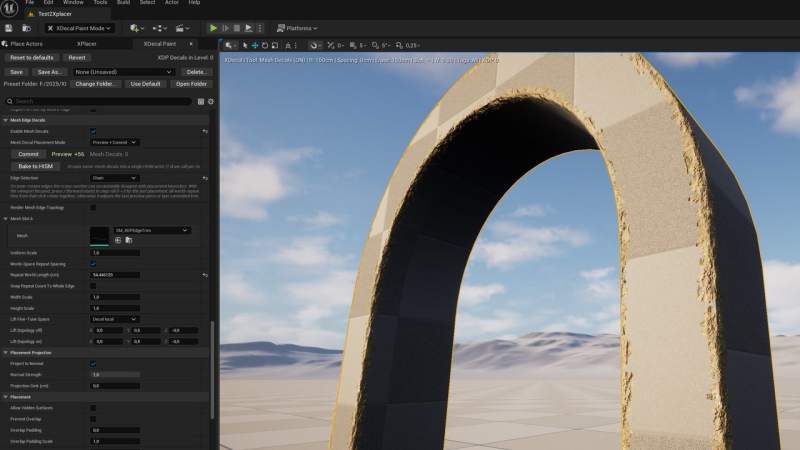
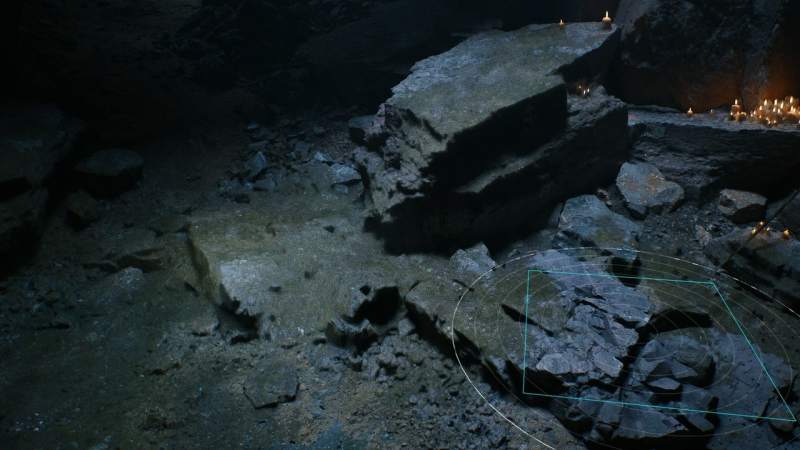
Mesh edge decals — Create edge mesh decals by selecting individual chain or loop edges with carousel style decal material with live preview – tweak scale/lift in the viewport, then commit
Save presets in any folder structure for versioned projects for team sharing
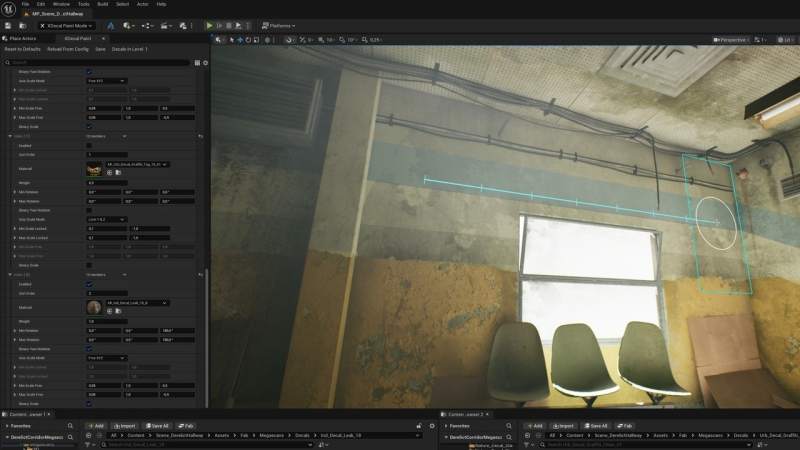
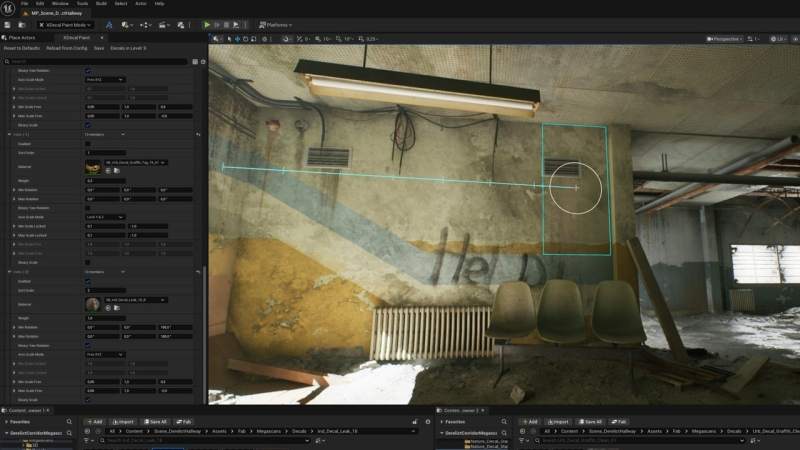
Drag Draw to add decals along smooth curves. Hold E to select spline points on the path and drag them to reshape the curve
You can now save your XDecal Paint settings as named presets and load them anytime from the preset list
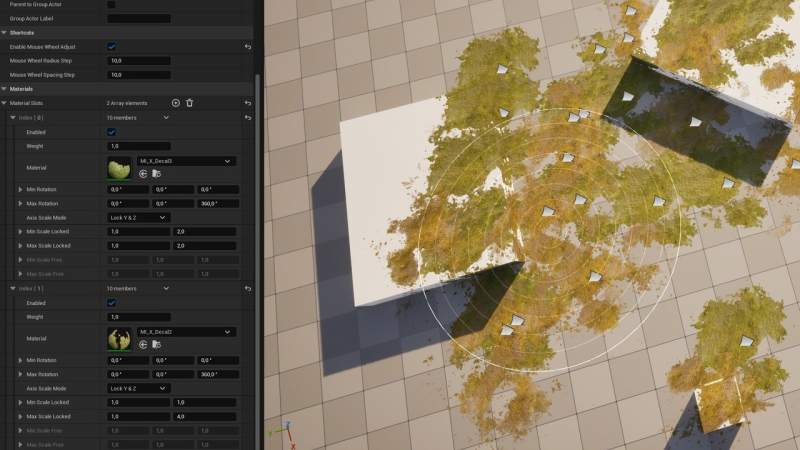
Drop zone row added: Select as many decals as you want in your content browser and drop them in the drop zone and they will be sorted out in material slots automatically
Implemented (per-slot) preserve aspect ratio while randomizing scale
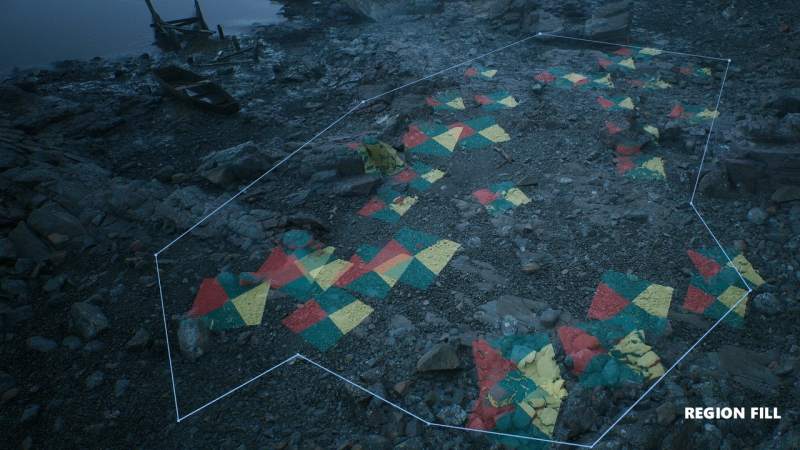
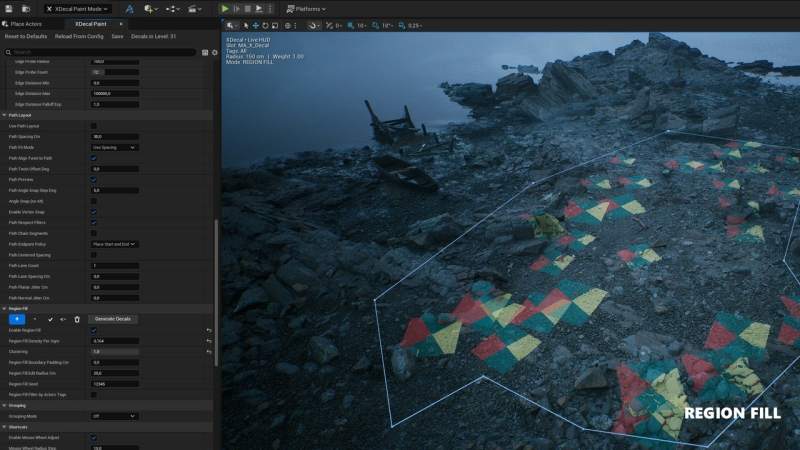
Region Fill → Define decal areas using Add (blue) and Subtract (orange) regions drawn directly in the viewport. Generate decals inside complex shapes with multiple loops, hole-cutting, density control, clustering, boundary padding, and seed-based repeatability. Fully integrated with material slots, overdraw gates, grouping, and object filtering
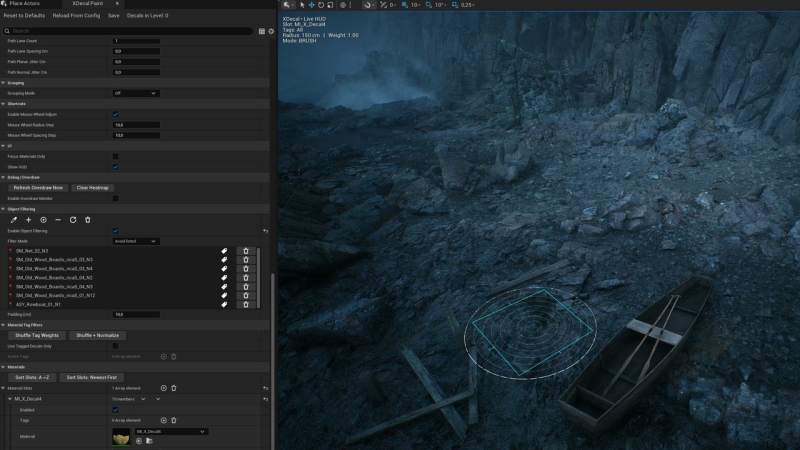
Object Filtering → Paint decals only where you want. Add any actor, instanced level or tag groups to a live filter list, switch between Avoid Listed and Only Listed modes, and fine-tune the allowed area with adjustable padding. Deleted or renamed actors auto-purge from the list for a seamless workflow
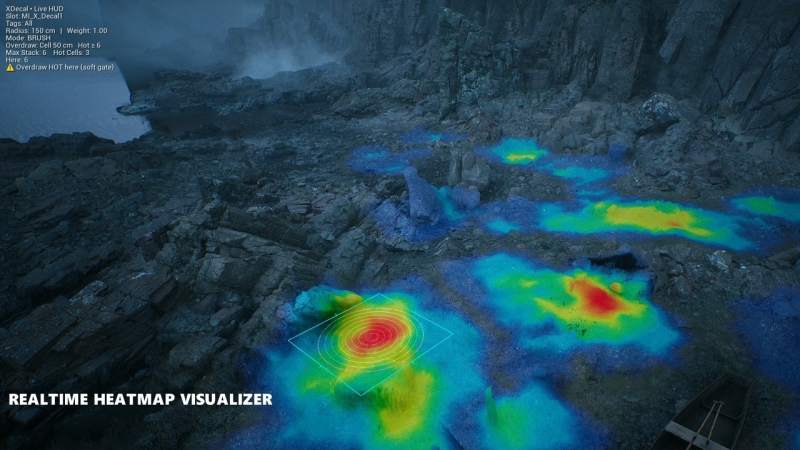
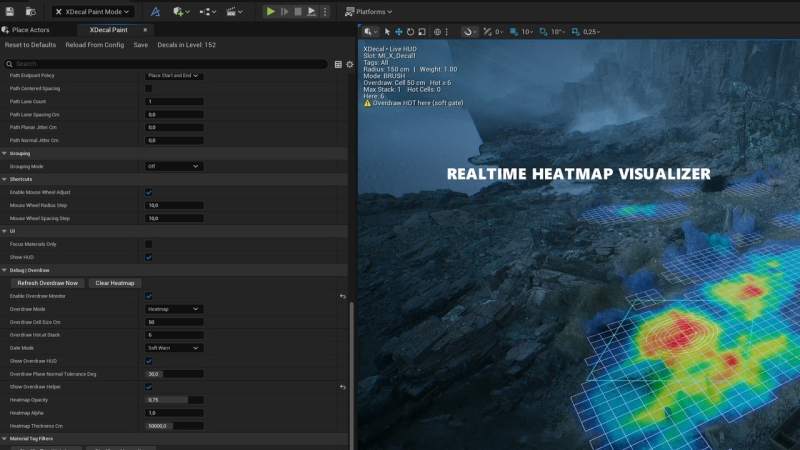
Added Debug | Overdraw tools → visualize decal stack density with a live heat-map grid, adjustable cell size and thresholds, plus soft and hard gating modes to warn or prevent excessive stacking
Spray Paint Mode → is a new paint mode that drops a one-click burst of randomized decals within your brush radius. Choose between Ring for rim based placement and Poisson (blue-noise) distributions for fast, natural-looking sprays
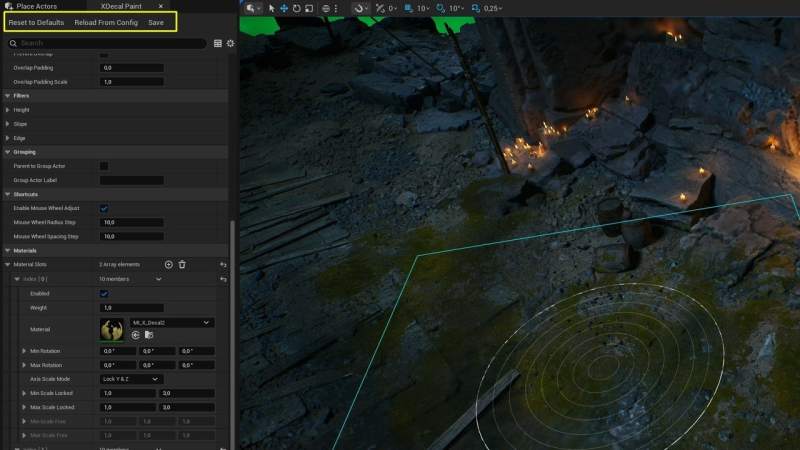
UI Focus Material Only → Toggle switch to display only tag filters and material slots for an uncluttered UI
HUD Overlay → Viewport display of current slot, tags, weight, brush radius, and mode currently being used
Per-Slot Max Spawns → Limit decals per material in a single stroke for tighter control
Key Features
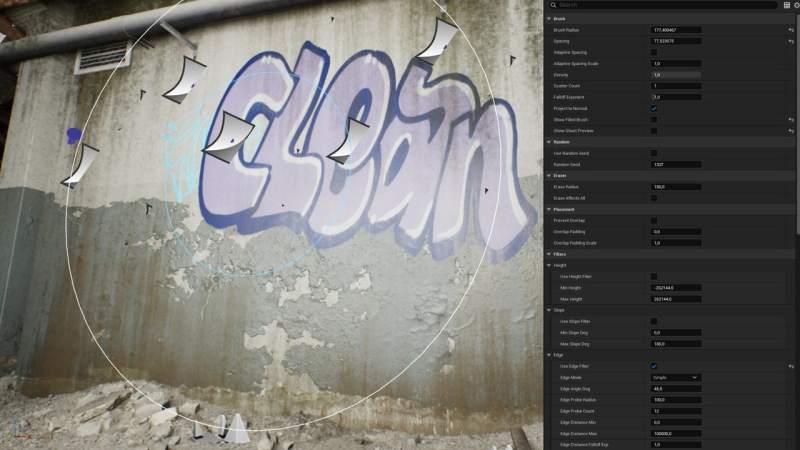
Brush-based painting → Adjustable radius, spacing, scatter, and density
Live viewport previews → Ghost decals, brush rings, and spacing guides
Smart erasing → Shift + LMB removes decals within the brush radius
Randomization controls → Scale, rotation, and weighted materials for natural results
Height, slope & edge filters → Precise control over where decals appear
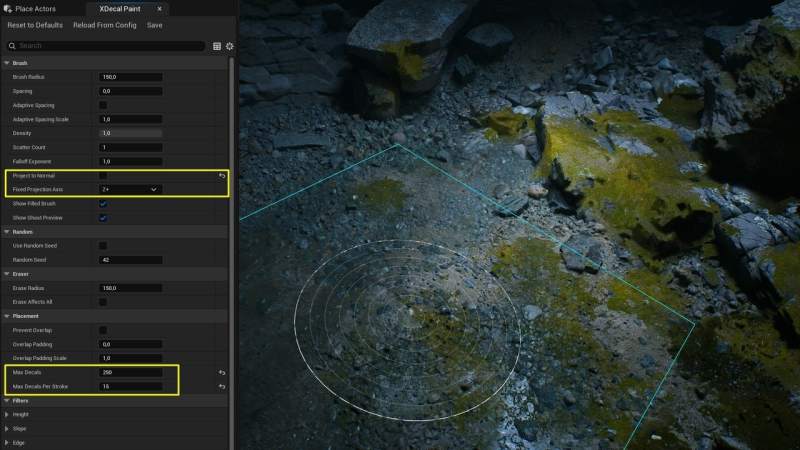
Overlap prevention & limits → Avoid stacking and set per-stroke or total caps
Projection axis selector (X/Y/Z) → Perfect for floor, wall, or ceiling alignment
Grouping system → Auto-organize decals under group actors for a clean Outliner
Config management → Save, reload, or reset brush settings instantly
️ Tagging, Grouping & Shuffle Tools
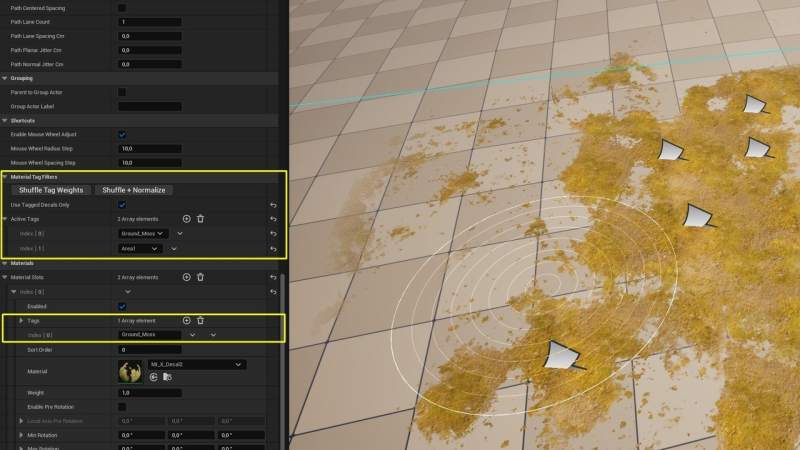
Tagging System → Assign tags per material slot for quick filtering and organization
Grouping by Tags → Automatically organizes decals in the Outliner using Active or Forced Tag modes
Shuffle & Normalize → Randomize tag weights for natural, non-repetitive results
Auto-Naming Slots → Material slots inherit names from their assigned decals — rename or sort alphabetically anytime
Precision Placement Tools
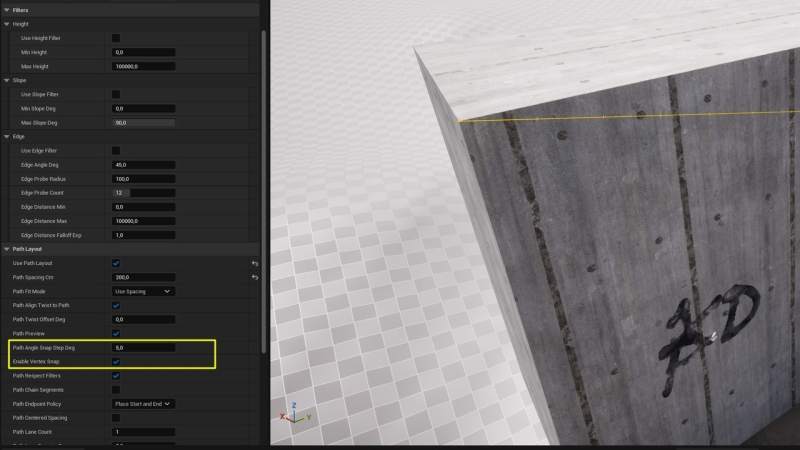
Angle Snap (Alt) → Clean, repeatable path runs with user-defined angle steps
Vertex Magnet Snap (V) → Snaps path endpoints to nearest mesh vertex — great for edges
Anchor Options → 9 anchor points for stable scaling and consistent projection
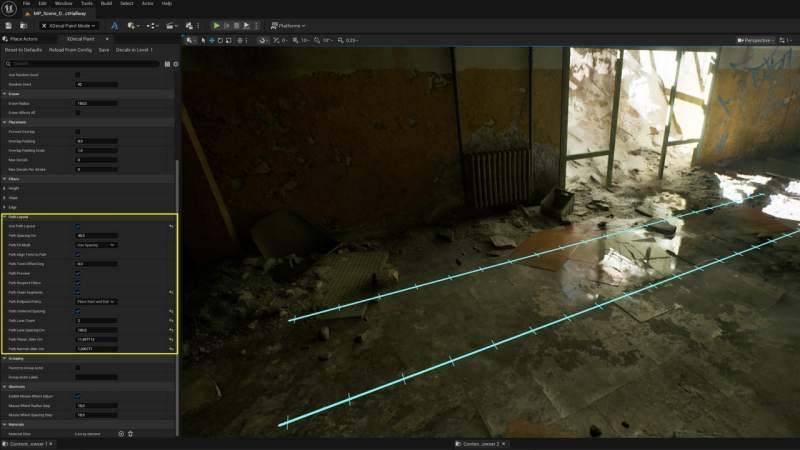
Path Layouts → Fit modes (Spacing, Stretch, Even Count), multi-lane stamping, and jitter controls
Anchor Scaling → Pin decals by center, side, or edge for directional control
Binary Rotation & Scale → Alternate between two defined values (e.g. ±90, ±1) for structured randomness
Optimization & Feedback
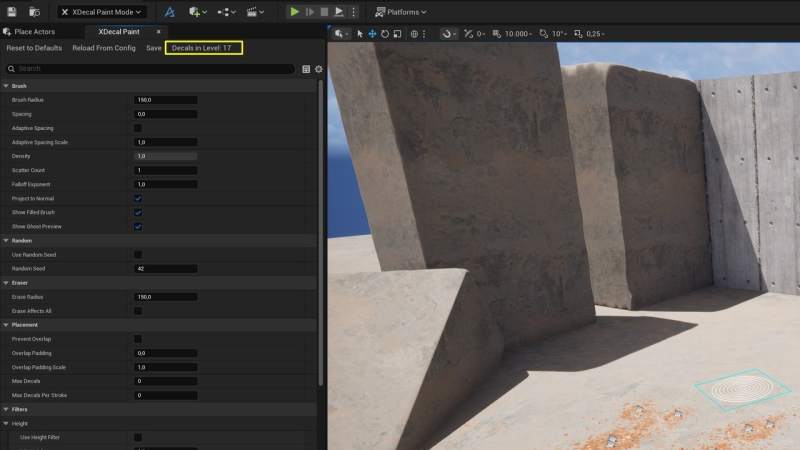
Decal Counter → Displays accurate totals per level or sub-level
Hidden Surface Toggle → Allow placement on hidden actors for debugging or previewing
Sorting Order → Per-material control over overlapping decals
Max Scene & Stroke Limits → Fine-tune performance and output
Why Xdecal Painter?
Paint dozens of decals in seconds
Stay organized with automatic grouping and tagging
Achieve natural, varied results effortlessly
Built by and for environment artists, level designers, and tech artists who value speed and control
Supported Unreal Engine Versions
5.6 – 5.7