


Digital Painting Cinematic Studies in Procreate
Digital Painting Cinematic Studies in Procreate
Master Studying digital painting in Procreate. Learn Notan thumbnails, value structures, colour, and final rendering
What you’ll learn
⚡ Develop a professional digital painting workflow to break down complex film scenes and recreate atmospheric lighting in Procreate.
⚡ Use a 2-value “Notan” study to quickly map out a strong, readable visual skeleton before diving into color.
⚡ Layer color gradients and textures over value studies while perfectly maintaining the scene’s core lighting integrity.
⚡ Complete a fully rendered digital painting of a moody cinematic scene, moving from rough thumbnail to a high-polish final piece.
Requirements
❗ An iPad with Procreate installed, a digital stylus (like the Apple Pencil), and a basic understanding of your software’s interface.
❗ most digital painting software and accompanying drawing tablets will work.
Description
Welcome to your step-by-step guide to studying mood, atmosphere, and depth in digital art. As a concept artist, I know firsthand how overwhelming it can be to take a flat sketch and try to breathe life, light, and cinematic drama into it. It is incredibly easy to get lost guessing your darks and lights. That is why this course is designed to completely demystify the process by breaking complex atmospheric systems down into highly digestible, practical stages that you can instantly apply to your professional journey.
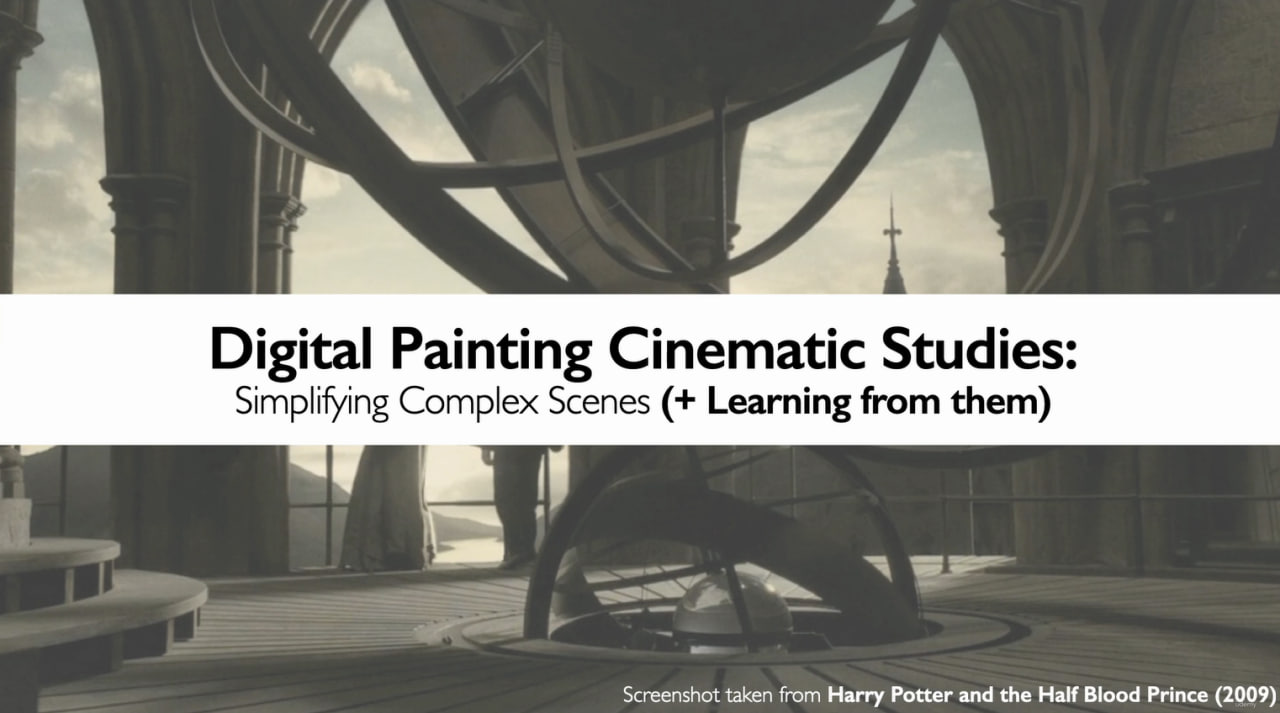
Throughout this course, we will pull back the curtain on professional workflows using Procreate. We will use a concrete, real-world case study—a cinematic environment study inspired by the moody lighting of theHarry Potter films—to anchor our lessons. Instead of jumping straight into complex rendering and getting messy, you will learn how to build a bulletproof visual foundation from the ground up.
What we will cover step-by-step
✨The Notan: Learn how to create a 2-value Notan thumbnail to lock in your composition’s core contrast instantly.
✨The Value Scale: Expand your thumbnail into clean value structures to establish believable depth and forms.
✨Color Process: Learn how to map out and layer vivid color gradients over your values without destroying your underlying lighting integrity.
✨The Cinematic Finish: Add focal points, character rendering, and those fine, atmospheric highlights that give an environment an industry-standard polish.
Whether you want to build a better professional portfolio or simply want to stop guessing where your shadows belong, this class gives you a repeatable, reliable workflow. You will walk away not just with a beautiful finished painting of a magical interior, but with a foundational technique that will support you throughout your entire creative career.
Who this course is for
⭐ Digital illustrators and concept artists who want to stop guessing their values and master moody, cinematic frames.