


Udemy – Basics of Adobe Animate for Animators – 125
Udemy – Basics of Adobe Animate for Animators – 125
ABOUT THE COURSE
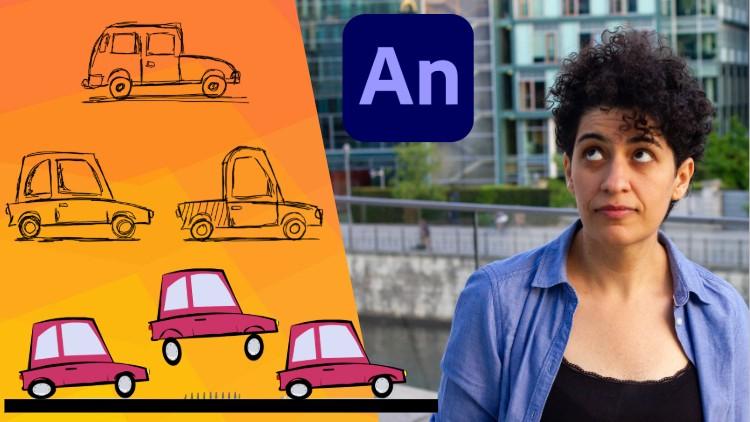
Basics of Adobe Animate is a concise introductory course in 2D animation, focusing on the tools and workflows behind cut-out animation. In this course, you will complete a single practical exercise where you’ll learn to draw, rig, and animate a cartoony car. The final animation will be 2 seconds long, with a frame rate of 24 FPS.
The aim of this course is to guide students through the process of cut-out animation, from a blank canvas to the finished sequence. This multi-pass workflow is essential for game animation, regardless of the animation style or character. By understanding the animation workflow within the software, you will discover that the animation process is progressive, built up in several steps.
Additionally, this course provides insights into cut-out rigging in relation to character animation. As 2D animators, we typically create our own setups and characters before bringing them to life through animation.
HOW TO APPROACH THE COURSE
The recordings are in real-time from start to finish, making it easy to follow along and work simultaneously. Each lesson begins with a brief introduction that outlines the lesson’s goals and expected outcomes. You will also receive specific working files, including FLA files, to enhance your learning experience.
Throughout the course, I will explain the interface and tools as they are used, ensuring that you grasp their functionality at the right moment.
COURSE MODULES AND LESSONS
This course is divided into four sections, or modules. Each module will introduce essential tools and workflows through a practical exercise. In these exercises, you will create a 2-second animation featuring a cartoon car that travels across the screen and jumps over an obstacle.
Section 1. Forward Note
-
A short note about the longer journey in learning 2D animation.
Section 2. Scene Setup
-
Lesson 1. Scene Setup and Drawing
Section 3. Rigging
-
Lesson 2. Rigging Step 1. Layering
-
Lesson 3. Rigging Step 2. Hierarchy Setup
Section 4. Animation
-
Lesson 4. Animation Step 1. Distance vs Time
-
Lesson 5. Animation Step 2. Jump Over Obstacle
-
Lesson 6. Animation Step 3. Contacts and Weight
-
Lesson 7. Animation Step 4. Wheels Deformation
-
Lesson 8. Animation Step 5. Finalizing the Animation
Section 5. Export
-
Lesson 9. Export the Final Animation
WORKING FILES:
The animation exercise is developed with each lesson, and a new FLA file is saved for each corresponding lesson.
-
1 JPG reference sheet for drawing
-
2 JPG reference sheets for Adobe Animate interface and common shortcuts
-
8 FLA files saved as progressively with each lesson
-
Exported animation in multiple file formats, SWF and MP4