


Brushstroke Tools v1.2.1 for Blender
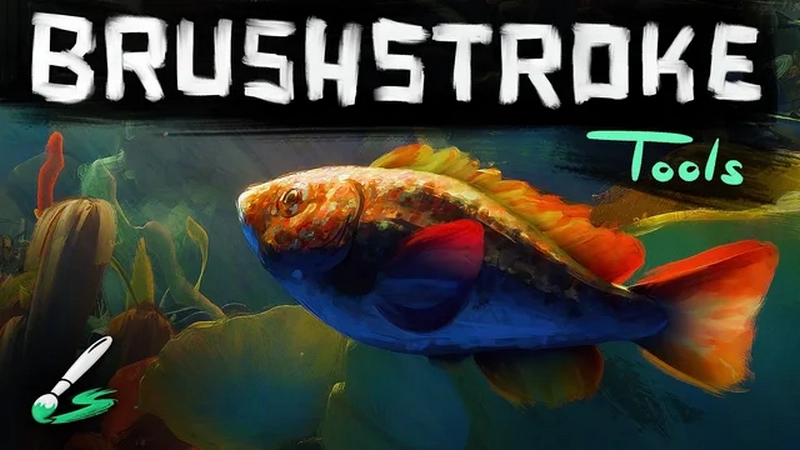
Brushstroke Tools v1.2.1 for Blender
Set of tools for a painterly 3D brushstrokes workflow by the Blender Studio to create a variety of stylized looks for asset production.
Overview
This addon provides a convenient interface to create, manage and edit layers of 3D brushstrokes that are generated procedurally with an elaborate Geometry Nodes system.
There are two types of Brushstroke Layers:
Fill
Flood a mesh surface with brushstrokes and control them with a wide set of parameters in the ‘Shape’ panel of the addon interface. This type of brushstroke layer can be guided by drawing curves for the flow direction or marking parts of the mesh to define flow/break edges and faces to be ignored using the shortcut Ctrl+Alt+F.
Draw
Draw brushstrokes as curve geometry directly on a surface mesh. There are settings in the toolbar as you draw to control, for example, the color. On top of that you can apply additional procedural effects in the ‘Shape’ panel of the addon interface.
Material
The material of a brushstroke layer can also be controlled using the addon interface. Material settings are split into
Properties (Base PBR setup to control material quality)
Brush Style (Selection and control of the base texture from real-life scans)
Effects (Additional masking effects to adjust the texture)
Disclaimers
The geometry generation and rendering techniques applied with this extension are computationally intensive and rely on high-end hardware specifications to allow smooth workflow.
For Blender 4.2.0 to 4.2.3 you might have to restart Blender once after installing the extension to ensure all assets are available.
Brush style previews only work for Blender versions 4.2.4 and up.