


Film Emulation Nodes v1.4.3 for Blender
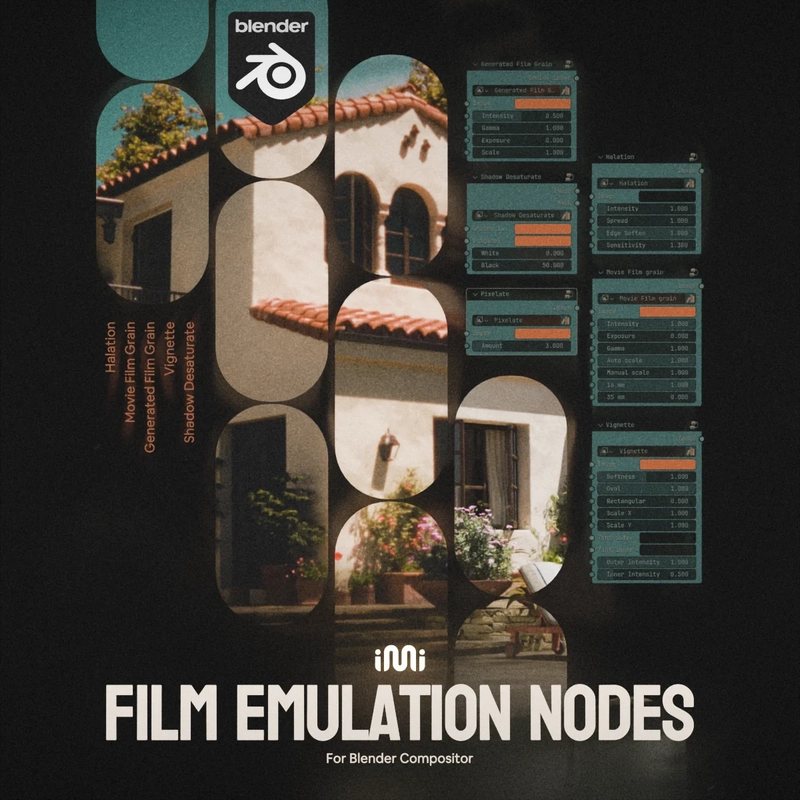
Film Emulation Nodes v1.4.3 for Blender
“A shitty render no longer that shitty”
A package of custom-made node groups made to emulate the ‘film look’ inside of Blender’s Compositor.
The FEM version 1.3 may not work as expected with Blender versions 4.5+. For Blender 5.0+, newly remade nodes are available as FEM 1.4+ beta.
Version 1.3.0 includes these nodes:
Halation – Adds a glowing halo effect around bright light sources, simulating the characteristic halation seen in film footage.
Vignette – Applies a vignette effect, darkening or coloring the edges of the image.
Focus Vignette – Defocuses the outer regions of the image, simulating a shallow depth of field, with an optional overlay to visualize the falloff gradient.
Procedural Film Grain – Adds procedurally generated film grain to the image.
Movie Film Grain – Applies real film grain textures to the image.
Lens Dirt – Simulates the effect of dirt, dust, or smudges on a camera lens.
Film Frame – Adds a border around the image, replicating the look of scanned film rolls.
White Film Speckles – Adds white specks and spots to the image, mimicking imperfections in old film footage.
Color density – Allows you to adjust the density of specific colors or color spectrums in your image. It offers multiple options for fine-tuning and can be used in an array to modify several colors simultaneously.
Film Tint – Applies complementary colors to the shadows and highlights of an image, with an option to add a ‘bleach look’ effect for a washed-out appearance.
Shadow Desaturate – Reduces the saturation in the darkest areas of the image, creating cleaner, more neutral blacks.
Black & White – A different style of a monochromatic image.
Halation Legacy – An older version of the halation node
Pixelate Legacy – Pixelates the image (useful only for versions older than 4.2).
Round Frame – Procedural mask created for the Film Frame node.
Render Resolution – Reads the render resolution (using drivers) to optimize texture scaling across the majority of the nodes.
Each node comes with a variety of adjustable parameters. More details on these adjustments are provided below.
If you’re interested in the changes from the previous version (1.2.0), check out Release Notes section.