


Node Pie v1.2.52 for Blender
Node Pie v1.2.52 for Blender
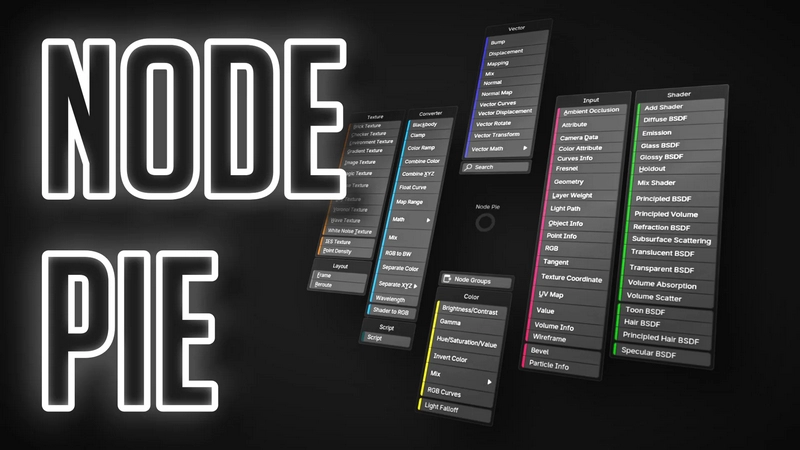
Adds a pie menu to the node editor for adding new nodes, increasing discoverability and allowing better muscle memory to be built for a faster workflow.
Features
Ctrl + click anywhere to open the pie menu
Ctrl + drag from a socket to open the pie menu and auto connect the node you select
Ctrl + Alt + drag over a link to open the pie menu and insert the node you select into the link
Nodes with incompatible socket types are automatically dimmed when using link dragging
The more often you use a node, the larger its button will be in the UI (optional)
Works with node groups
Customisable key binds
Extensive customization