


Quick Groups (Instances) v0.4.0 for Blender
Quick Groups (Instances) v0.4.0 for Blender
This add-on replaces Ctrl+G by its own functionality – creating groups using regular instances
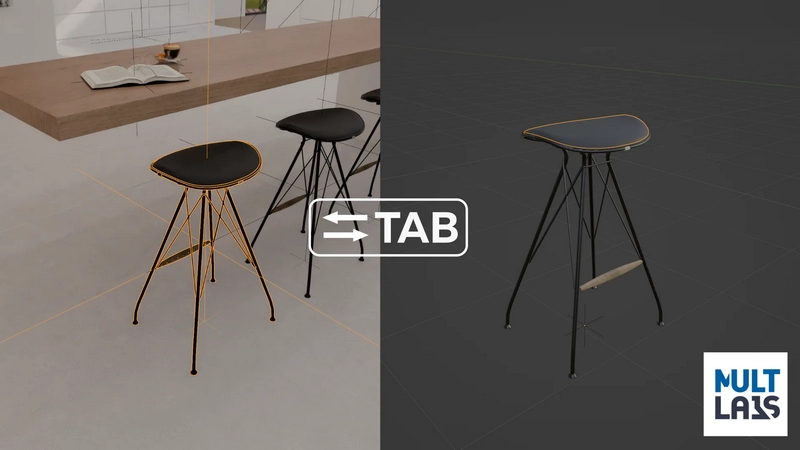
In the add-on “Group” – it is an instance, that can be edited (in the scene called “Library”) by pressing Tab
Keymap:
Ctrl+G – Make Group (Instance) from selected objects (F9 (adjust last operation) to set center of the group and set a name)
Tab – Opens group edit mode
Deselect everything and press Tab – Return to scene.
Ctrl+Alt+G – Ungroup
Ctrl+Shift+G – Advanced options like make single user, and change instance (Replace chair by another chair).
This add-on uses regular Blender instances, so you can send your blend file with “groups” made by this add-on, even if your co-worker haven’t this add-on installed.