


Outline Objects – Quick Outlines for Meshes in URP – Unity
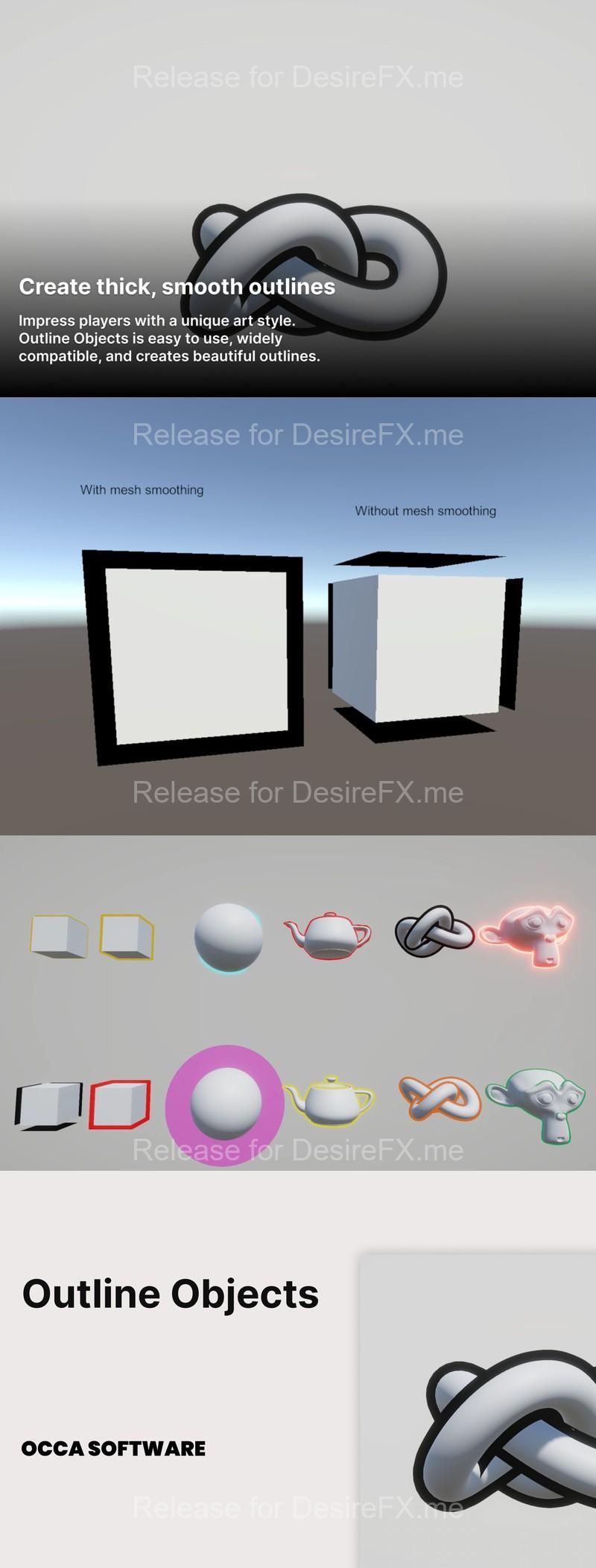
Outline Objects – Quick Outlines for Meshes in URP – Unity
OccaSoftware presents: Outline Objects
✅ Features
- Easy outlines in Unity
- Outline 2D and 3D objects in your project
- Drag and drop setup – it just work
- Customize your outlines for each mesh
- Set the exact size of the object’s outline
- Unique outline color for each object
- Customize the outline width based on vertex color and/or texture inputs
- Camera distance scaling
- Generate Smooth Normals tool + Use Smooth Normals option for hard-edge and low-poly meshes.
✅ Usage
- Import the asset into your project.
- Identify an object that you would like to outline in your scene and open it in the Inspector.
- In the Mesh Renderer component, click the + button under the Materials slot.
- Drag and drop a material using the Outline Objects shader.
✅ We recommend pairing Outline Objects with with…
– Altos – Skybox, Clouds, and Weather for URP
– Auto Exposure for URP
– Ultimate Lit Shader for URP
Home Page: _https://assetstore.unity.com/packages/vfx/shaders/outline-objects-quick-outlines-for-meshes-in-urp-215454