


Udemy – Unreal Generalist: Cinematic Rendering Pipeline – 7123785
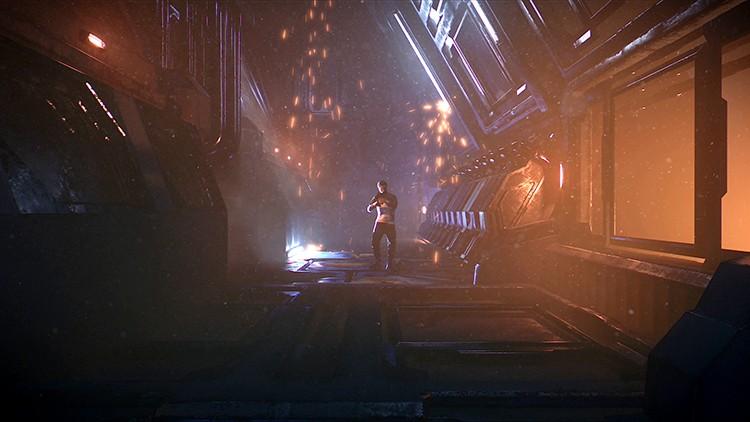
Udemy – Unreal Generalist: Cinematic Rendering Pipeline – 7123785
Hi, I’m Alex Tjagnirjadko, Senior Environment Artist and Technical Artist at Moonraker VFX.
,
In this tutorial, I’ll show you how to build a complete cinematic rendering pipeline in Unreal Engine 5.7 using Lumen and Path Tracer. You’ll learn how to produce high – quality frames, render clean passes for fog and VFX, and composite everything together in Nuke. We’ll also build a custom one – click rendering tool based on Movie Render Queue to streamline your entire workflow. If you are tired of constantly setting up renders and just want super quick and easy solution – this course if for you.
What You’ll Learn
,
Configure Movie Render Queue for production rendering
,
Optimize Path Tracer settings for clean, high-quality frames
,
Set up and tune Lumen for real-time cinematic output
,
Decide when to use Lumen vs Path Tracer
,
Render separate passes including beauty, fog, and VFX
,
Composite renders in Nuke for final output
,
Build a custom Blueprint tool for one – click rendering automation
This tutorial is for:
,
Unreal Engine generalists working on cinematic output
,
Environment and character artists creating rendered shots
,
Technical artists building rendering pipelines
,
Artists who want to switch from traditional VFX workflows to Unreal.
,
,
This tutorial is NOT for:
,
Complete beginners with no Unreal Engine experience
,
Users looking for programming – focused workflows