


Node Editor Switcher v1.0.3 for Blender
Node Editor Switcher v1.0.3 for Blender
Add a pie menu, quick buttons, and shortcuts for switching between the different node editors.
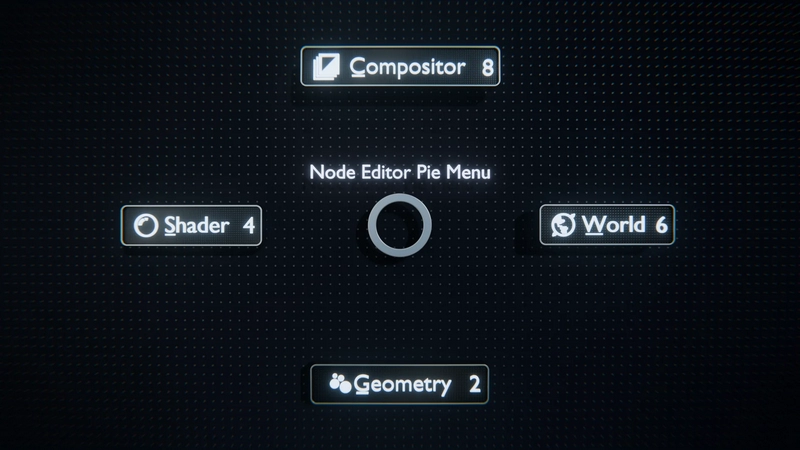
Pie Menu:
Accessible in the Node Editor, the pie menu is an easy way to switch between different node editors with a single click.
Default keyboard shortcuts: E
You can customize these shortcuts in Blender’s keymap settings.
Quick Access Buttons:
The Quick Access Buttons are available at the top right of the Node Editor header and can be enabled in the addon preferences.
Keyboard Shortcuts:
Default keyboard shortcuts:
1: Geometry Node Editor
2: Shader Node Editor
3: World Node Editor
4: Compositor Node Editor
You can customize these shortcuts in Blender’s keymap settings.