


Scatter by KIRI Engine v1.0.0 for Blender
Scatter by KIRI Engine v1.0.0 for Blender
There are some amazing scattering addons that already exist and are fantastic at what they do – so why make another?
Many of the most advanced existing tools come with hefty price tags. While talking to KIRI Engine users, we found a multitude of Blender user types – some experienced, some beginners, and some without the extra cash needed to spend on addons. So we thought it would be nice to give those guys a chance to play for free.
What is it?
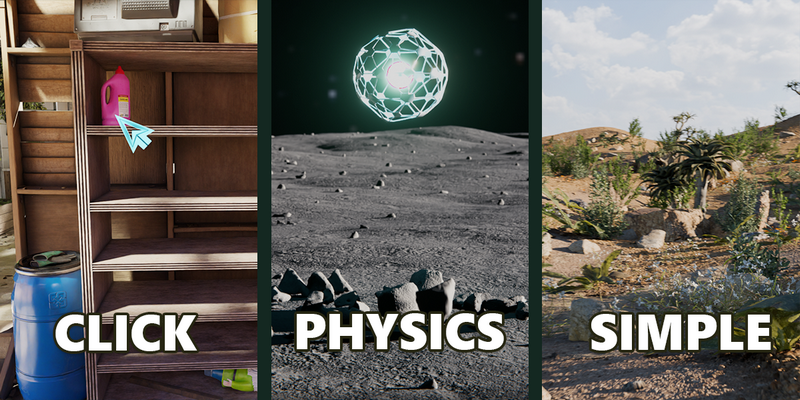
Simply put – it’s an addon that lets you place objects in your scene. With three different ways to place objects, depending on your current needs. Whether you need precise manual placement, procedural coverage, or physics-based piles, there’s a mode for it.
Click
The “Point and Shoot” mode. This is best for placing specific “Hero” assets where you need total control over composition.
Simple Scatter
The “Fill” mode. This applies a non-destructive Geometry Nodes modifier to a target mesh or curve. It is fast, efficient, and editable. Great for large-scale environmental coverage, such as grass on a hill, debris on a floor, or scattering along a path.
Physics Scatter
The “Natural” mode. This uses Blender’s Rigid Body physics engine to drop objects into the scene, letting gravity and collision determine their final resting place. Brilliant for piles of rocks, messy desks, filling containers, or any scenario where objects need to stack and interact naturally.
Interactive Mode: Interactive controls during playback allow you to use Wind, Vortex fields, and Gravity toggles in real-time to “direct” the falling objects.