


Mesh Copier 2.3.0 for Blender
Mesh Copier 2.3.0 for Blender
Mesh Copier is a handy tool for copying mesh details from one place to another place.
The source can be defined by selected edge ring or face, and the destination is defined by selected faces.
There are two ways to use the tool :
– Method 1 : Use Edge Ring as source and paste to faces
Select the edges around your details. The edges must be a closed loop. Run the tool, then select “Set Source”
Select the target faces, then run the tool again and select “Paste”
Select the edge loop around the details:
Run the tool, it will select the region of details. If the region is not correct, you can change it in Left-Bottom menu
Select the target faces:
Run the tool again. It will paste the copied details onto the faces. You can change the orientation and other settings in the Left Bottom menu.
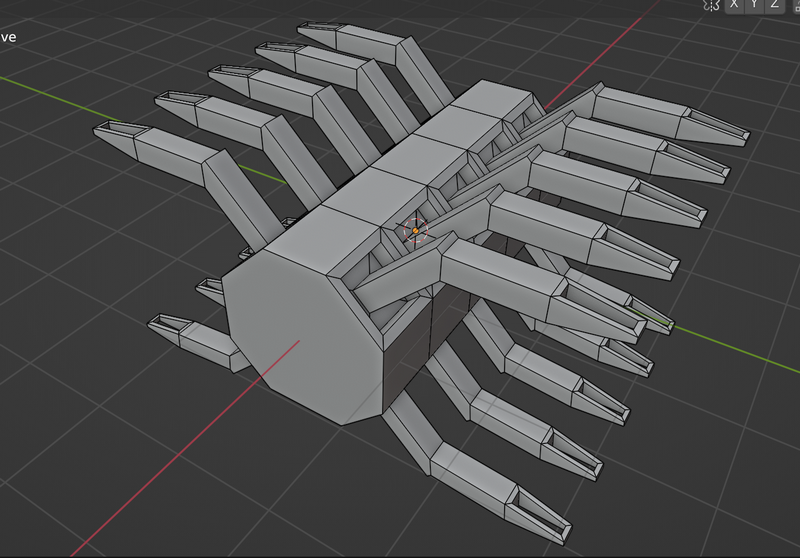
You can use this tool to create complex model with duplicated parts easily!
– Method 2 : Use Face as source, and also copy some separated meshes, then paste to target faces.
Select a face then run the tool, select Set as Source
Select the additional meshes (separated mesh) and also select the source face, then run the tool, and select Copy mesh
Select target faces then run the tool and select Paste