


Motion Animate v0.4 for Blender
Motion Animate v0.4 for Blender
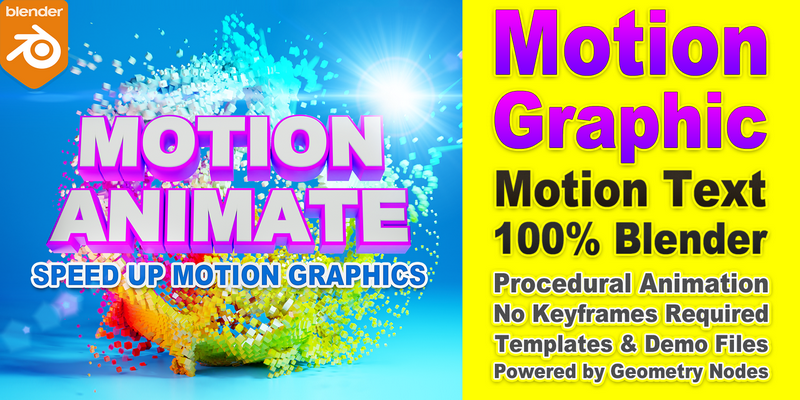
Creating motion graphics or text animations in Blender has always been a challenging task. However, with the new Motion Animate tool, you can now achieve this quickly and effortlessly. Powered by Geometry Nodes, Motion Animate enables you to produce procedural animations without having to use keyframes. It features an array of node groups that facilitate the creation of procedural animations, as well as an extensive collection of motion text presets and graphics examples. The tool allows you to drag and drop templates to create stunning motion text animations, thereby streamlining your workflow and making your projects truly remarkable.
Motion TextStyle: Powerful text styling tools like extrude, custom bevel, stroke, dash, smooth, cartoon and more. You can use it to quickly create beautiful text effects. In addition, combined with Motion Attribute, TextStyle Color and TextStyle Shader, you can quickly set the color and material for different parts of the text (Note: Currently, the smoothness option does not support motion transform animations).
Motion Circles: Create multiple circles, set count, start-end, transform, offset, random size, width, random delete, and more. Let you create circle animations faster.
Motion Curves: Extract curves from dense meshes based on textures. Mainly used to generate some stylized curves.
Motion Array: Generate array objects, vertex distribution, point instancing, and it has several built-in basic model presets. Set number, spacing, offset, radius, custom instance, voxel, etc., and some attribute output.
Motion Controller: Used to control the start and end time of animation, animation speed, smoothness, random and reverse, etc. Recalculate IDs can do ID recalculation for array objects, similar to generated coordinates in materials. Which also affects the direction of the animation. Also, you can use the distance of the object, or the texture to affect the animation.
Motion Interpolation: 20 animation interpolation presets are built in. You can also choose a preset by ID or random. Control the time stretch and offset of the animation to make a difference in the progress of the later transform animation. The in and out of the animation is also set here. (Just add a curve node after it to customize the curve.)
Motion Transform: Set the initial transformation of the animation, you can also use Motion Noise to drive these parameters. You can also fix objects to curve from X axis.
Motion Transform Plus: which allows you to make step-by-step random transformations, for example, scale-rotate-move, step-by-step animation. usually, it works with the Motion Transform node.
Motion Trail: Motion Trail is used to make some trailing effects. The trail can be the copy of itself, curves, or particles. You can also customize the force, spin, etc.
Motion Mesh (experimental): Similar to Motion Transform, with some additional settings for randomly transforming face. Normal coordinates are currently not supported.
Motion Coordinate: It is mainly used to set the coordinates of the texture. Checking the animation property will automatically generate the animation. The speed and direction are determined by the following transformation parameters.
Motion Noise: Generates random vectors that you can use it to drive Motin Transforms.
Motion Pulse: for repetitive looping animations. You can set triangle wave, sawtooth wave, trapezoid wave. ID offsets, parity filtering, etc., and some additional properties output.
Motion Text Templates: You can also create motion text directly from the assets. You can change the text, start and end times, thickness in the modifier panel.
[Tip] Motion text templates can also be used on other objects, such as Motion Array, Collection, you may need to check the recalculate ID and set the direction size in Motion Controller.