


Omniscient Importer v2.3.5 for Blender
Omniscient Importer v2.3.5 for Blender
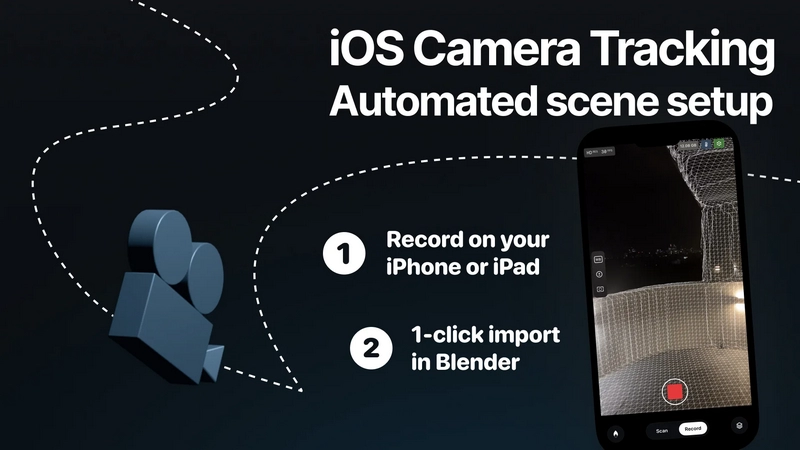
Easily import shots, with their corresponding 3D camera tracking data and LiDAR scans recorded with Omniscient, into Blender. Omniscient is VFX app for iPhone and iPad designed to simplify the process of creating visual effects, and can also be used to capture natural camera movements for 3D animation.
Record with Omniscient
Download the Omniscient iOS app on your iPhone or iPad.
Open the app and accept the required authorizations.
Tap “New Shot” to begin.
Tap the white button, move your device to scan the environment, then tap again to stop scanning.
Tap Record to go to record mode.
Tap the red button to start recording. Tap the red button again to stop.
Go to the Shots page.
Export your shot to your computer.
Import Your Shot into Blender
Install this add-on in Blender.
Drag and drop the .omni file (found in the shot folder exported from the Omniscient app).
Alternative Ways to Import Your Shot:
Go to the Sidebar > Omniscient, then click “Import .omni”.
Go to File > Import > Omniscient (.omni).
Manage Your Imported Shots
Go to the Sidebar > Omniscient to view and manage all your imported shots within Blender. From here, you can adjust the camera projection for each shot and choose your import preferences.