


Simply Wrap Pro v2.5.1(244) for Blender
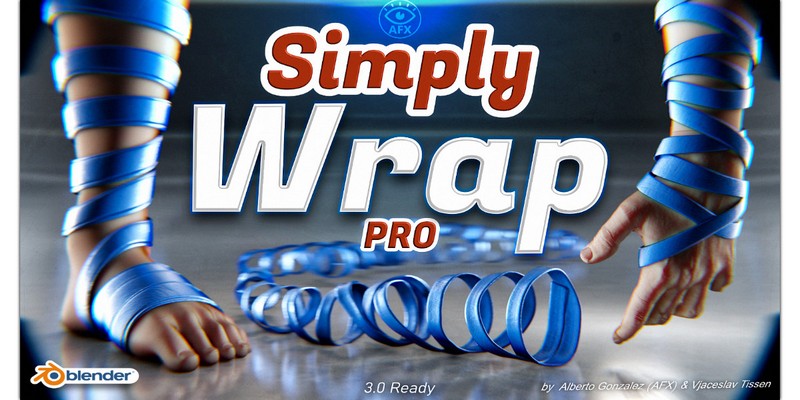
Simply Wrap Pro v2.5.1(244) for Blender
With Simply Wrap Pro you can create a wrapped mesh/ curve around an object or character in seconds.
IMPORTANT
I recommend using the add-on with Blender 3.0 and higher + Asset Browser!
To use the addon, simply select your collision object and begin drawing. You can draw in a zigzag pattern from one view on both sides of the object. The addon will automatically detect the orientation of the faces, so you don’t have to worry about constantly rotating the view. Just focus on drawing
Important Information:
it is recommended to use a low-resolution collision mesh when creating a fluidly wrapped object in the scene. This will help to ensure smooth and efficient operation of the fluid simulation.
best performance of the addon, it is recommended to have only one object in the scene while using it.
the wrap created by the addon may require some additional work (such as releasing intersections and editing certain sections), it is generally much less work compared to manually wrapping and rotating the view repeatedly.
most important point: If you are having difficulty understanding the addon or if it is not working as demonstrated in the video, please do not hesitate to contact me. I am happy to provide support and guidance to help you understand the workflow and improve your experience with the addon.
In the tests, I saved more than 50% time with the add-on!
When I used the usual method of shrinkwrap and a curve with the Extrude settings, it usually took several minutes to get a rough result. Additionally, you have to adjust the curve/mesh with the Proportional Edit tool. This simply takes a lot of time and costs some people their nerves!
So I came to the idea to develop Simply Wrap Pro. Alberto Gonzalez (AFX) programmed the function under my guidance and imagination. I customized the workflow and created the UI design so that it is intuitive to use.