


Super3D Extra Format Bridge v0.2.0 for Blender
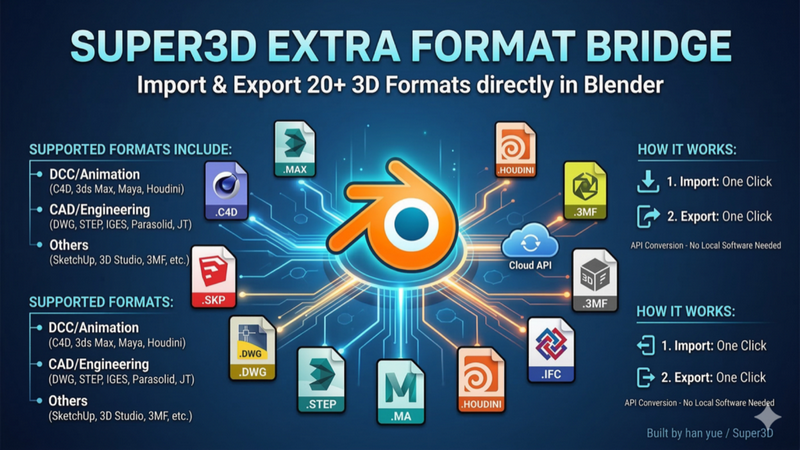
Super3D Extra Format Bridge v0.2.0 for Blender
Import and export more than 20 3D file formats that are not natively supported by Blender.
This add-on adds additional items to Blender’s File → Import and File → Export menus, allowing users to open and save a wider range of common 3D formats.
And your computer doesn’t need to install a lot of 3D software!!! The Adon can work without the need to install other software!
DCC / Animation
Cinema 4D (.c4d)
3ds Max (.max)
Maya ASCII (.ma)
Maya Binary (.mb)
Houdini (.hip / .hiplc / .hipnc)
Fusion 360 (.f3d)
CAD / Engineering
AutoCAD DWG (.dwg)
STEP (.step / .stp)
IGES (.iges / .igs)
IFC (.ifc)
Parasolid X_T (.x_t)
JT (.jt)
Other 3D Formats
SketchUp (.skp)
3D Studio (.3ds)
3MF (.3mf)
APX (.apx)
3DXML (.3dxml)
Import
Select a supported file format from File → Import.
The add-on uploads the file to the Super3D conversion service.
The file is converted to OBJ format and imported into the current Blender scene.
Export
Select a supported format from File → Export.
The scene is exported as OBJ.
The OBJ file is converted to the selected format through the Super3D service and saved locally.
Key Features
Support for more than 20 common 3D file formats
Integration with Blender’s native Import / Export menus
Single lightweight add-on file (.py)
Compatible with Blender 4.0 and newer
Configurable API timeout (30 seconds to 2 hours)
Option to keep or automatically remove temporary files
No external dependencies other than Blender’s built-in Python
Installation
Download the add-on .zip file.
Open Blender and go to Edit → Preferences → Add-ons.
Click Install… and select the downloaded .zip file.
Enable the add-on in the add-ons list.
Requirements
Blender 4.0 or later
Internet connection