


Advanced Game Logging (GLS) – Unreal Engine


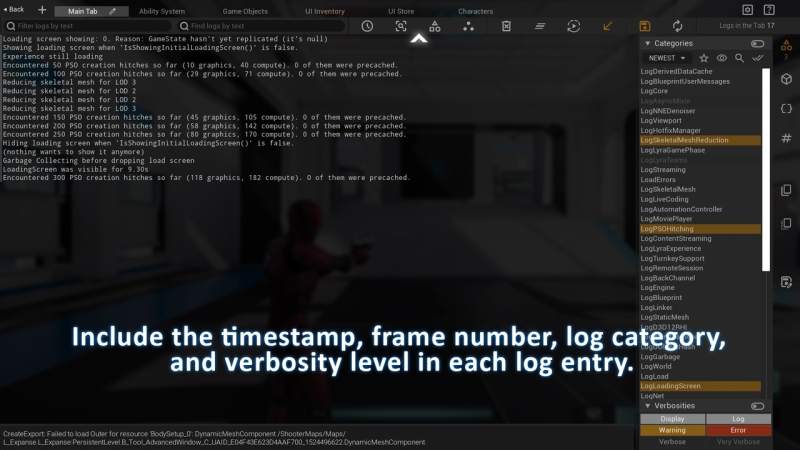
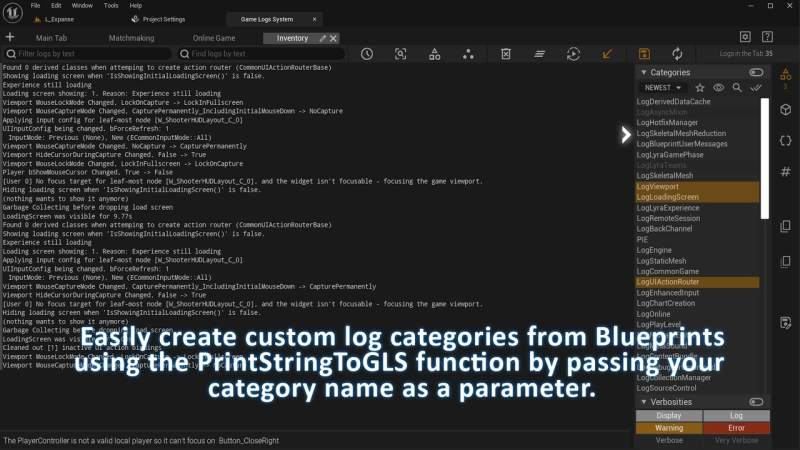
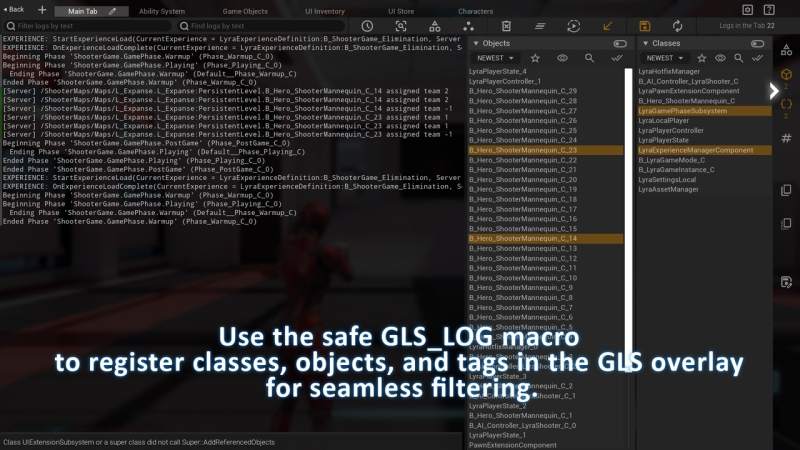
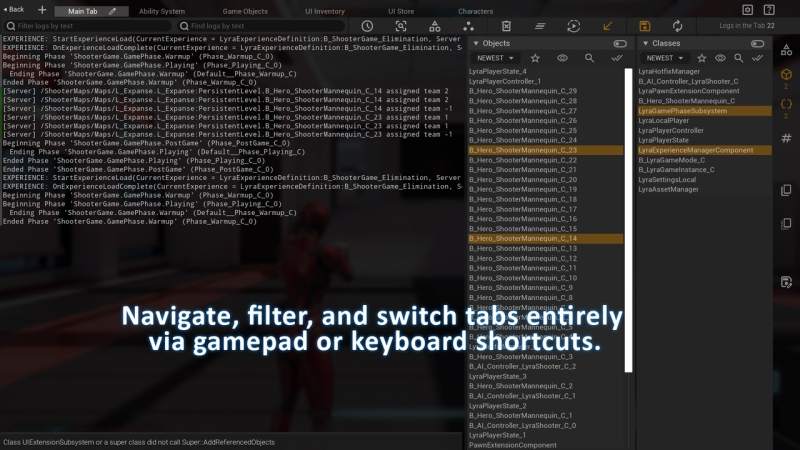
Advanced Game Logging (GLS) – Unreal Engine
Key Features of GLS Plugin
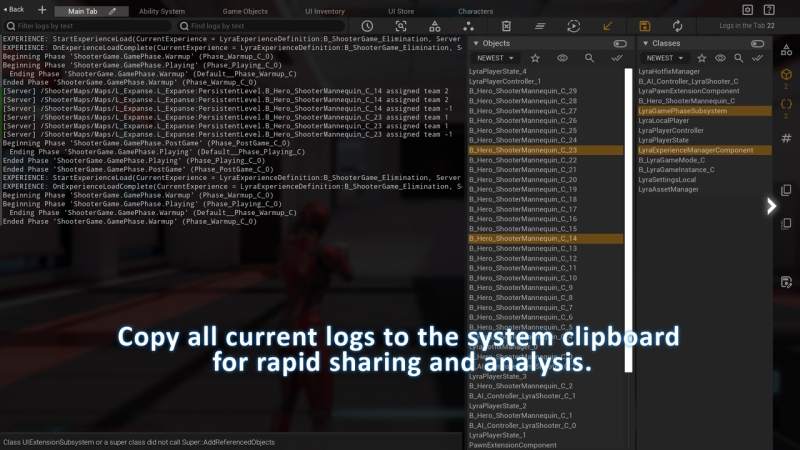
Real-time log viewing, even in shipping builds
In-game overlay for seamless log monitoring during gameplay
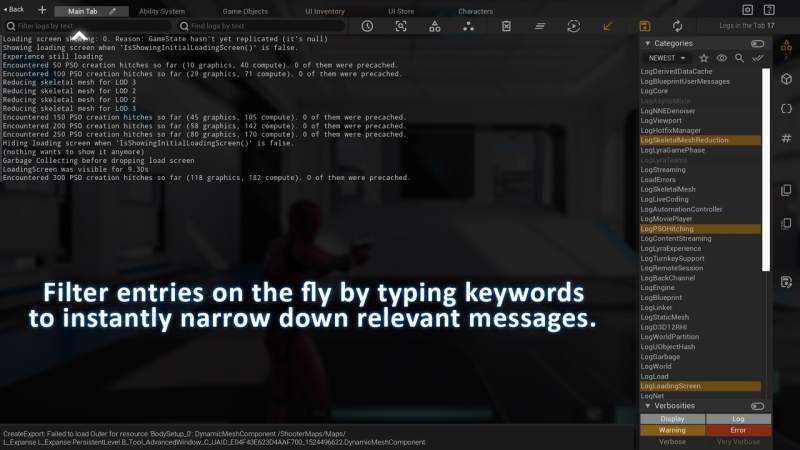
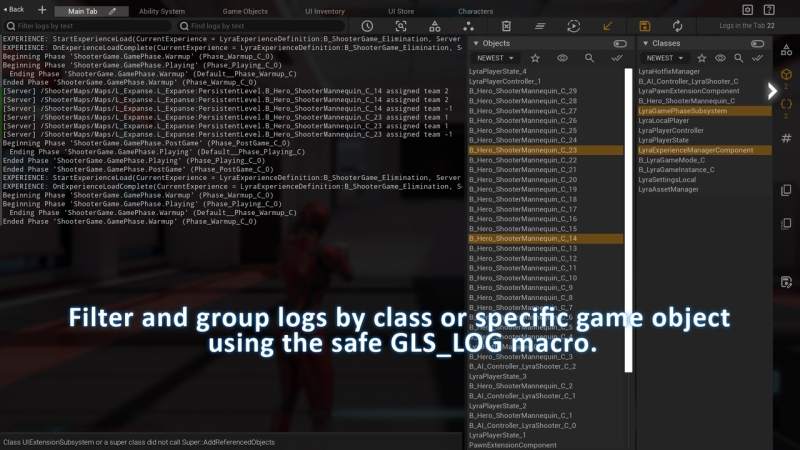
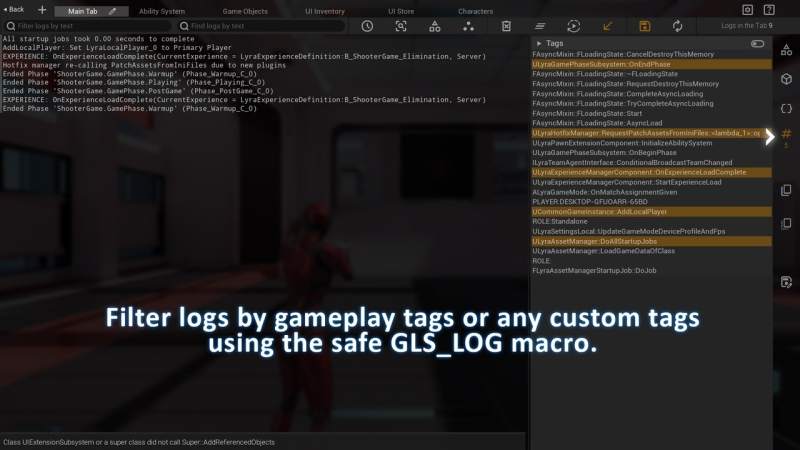
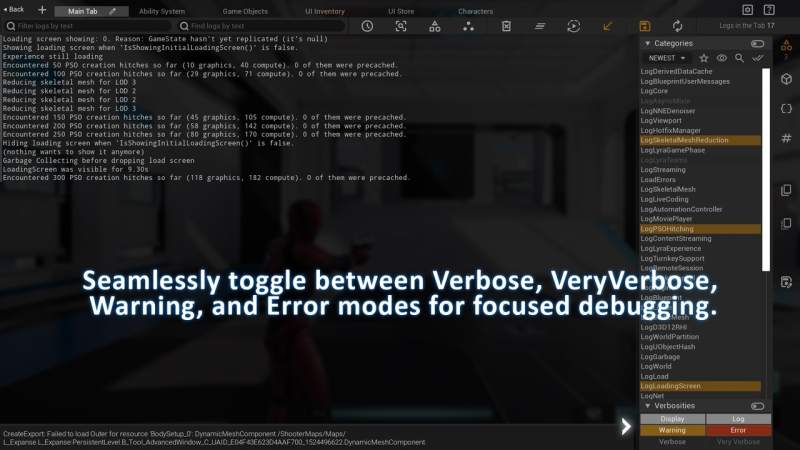
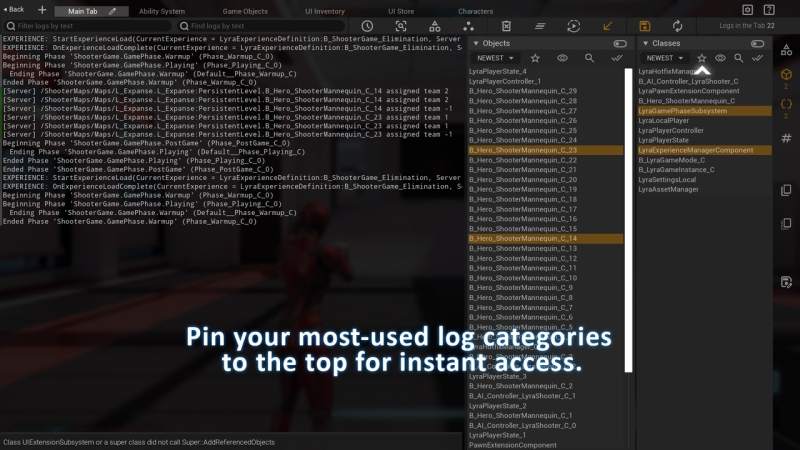
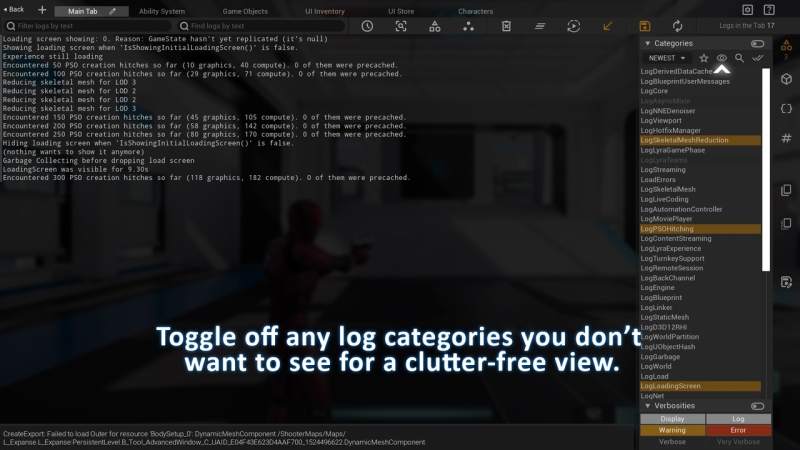
Advanced filtering by verbosity, category, class, object, and custom tags
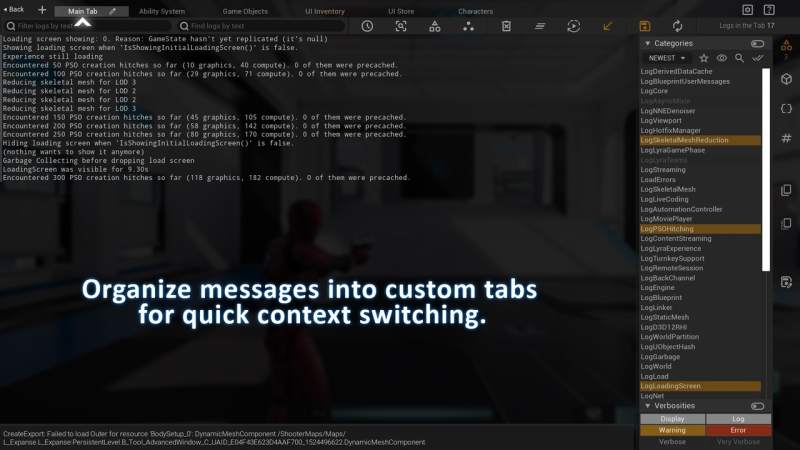
Named Tabs – organize logs by systems or tasks, saved between sessions
Resizable filter panel – adjust UI layout to fit your workflow
Animated indicators show when logs appear/disappear in each category
OR / AND filtering logic – switch between broad or strict matching
Hide logs with one click using the eye icon, with persistent settings
Sort categories by activity – most relevant logs always on top
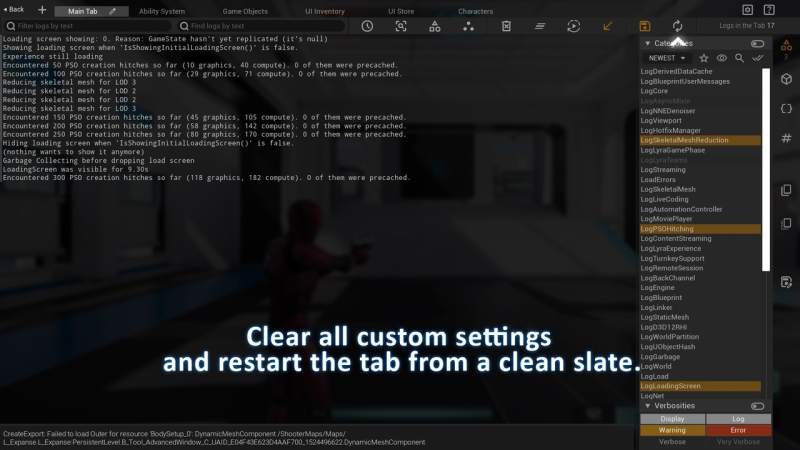
Clear logs without losing filters – dimmed categories remain visible
Multiplayer-ready – filter by PIE instance, controller ID, and network role
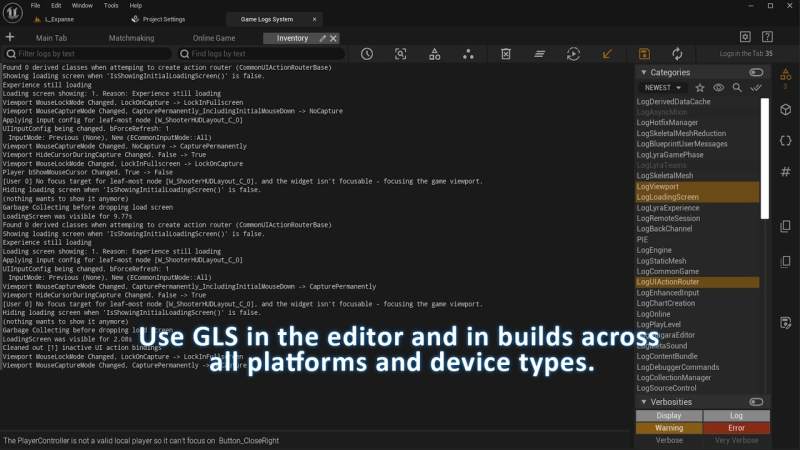
Works on all platforms, including mobile and consoles
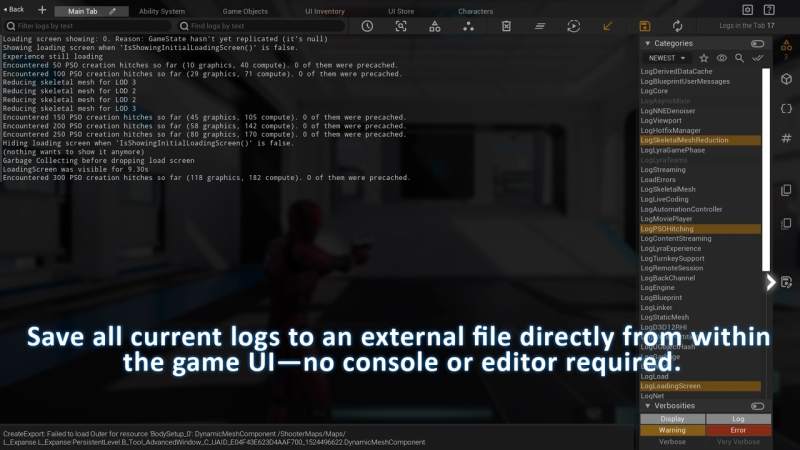
Save, reload, and export logs with full metadata and timestamps
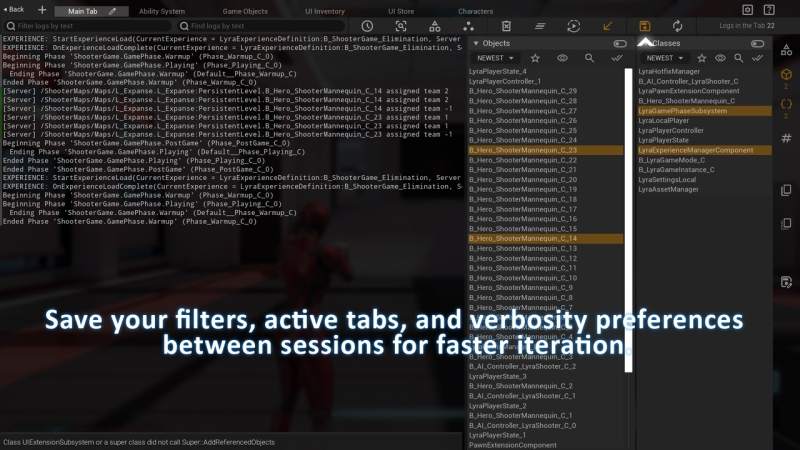
Persistent sessions – filters, tabs, panel sizes and UI state auto-restored
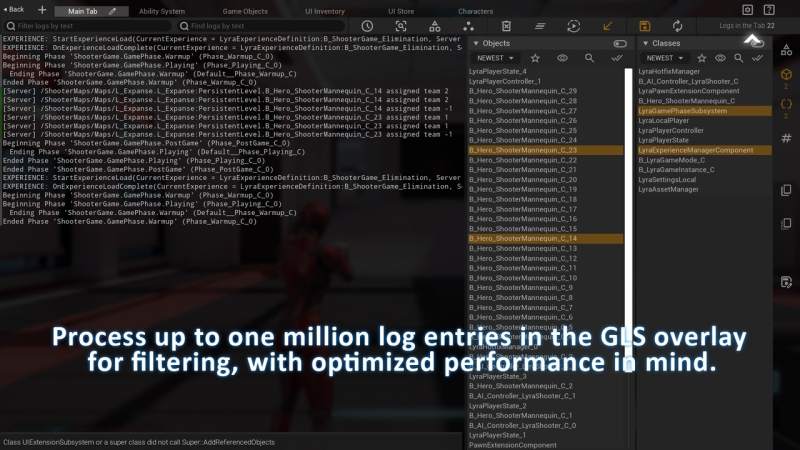
Handles up to 1 million logs with excellent performance
Customizable via Project Settings – tune log capture and display
Built for developers & QA teams – streamline your debugging process