


AI Code Editor – Unreal Engine

AI Code Editor – Unreal Engine
This plugin brings C++ code editing directly inside Unreal Engine with a dockable interface and AI-powered features.
Perfect for quick edits, learning from built-in node code, or generating new Blueprint-callable functions on the fly.
Important
To use AI features, you must setup your API key in Unreal, follow documentation for more info
Using AI to generate code is always prone to errors, commit often
Core Features
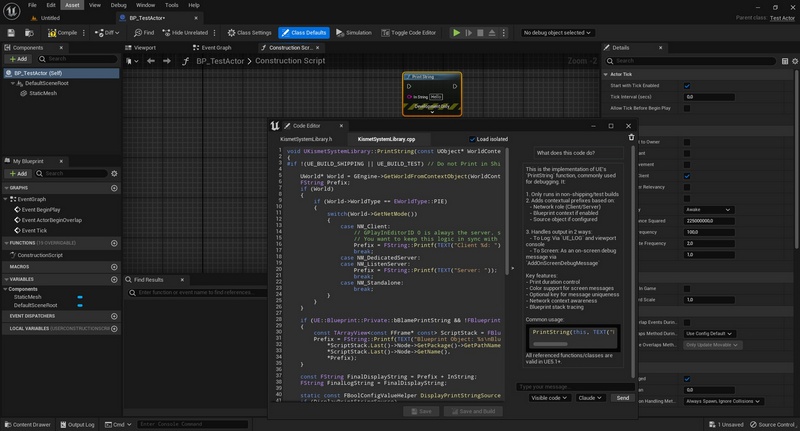
Edit node implementation & definition without leaving UE, with dual-pane editor for header and source files.
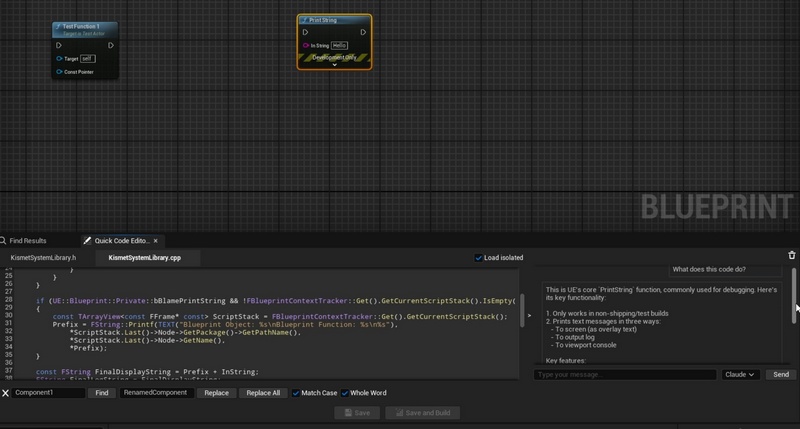
Use Claude or ChatGPT to understand engine code instantly with persistent per-function conversations.
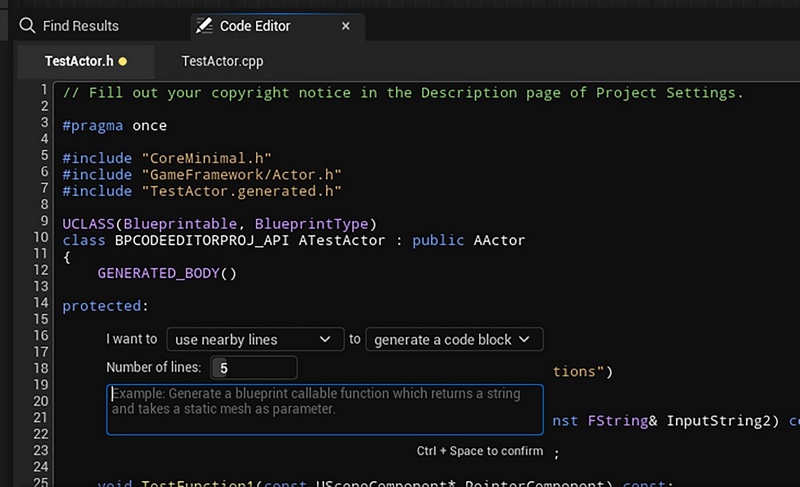
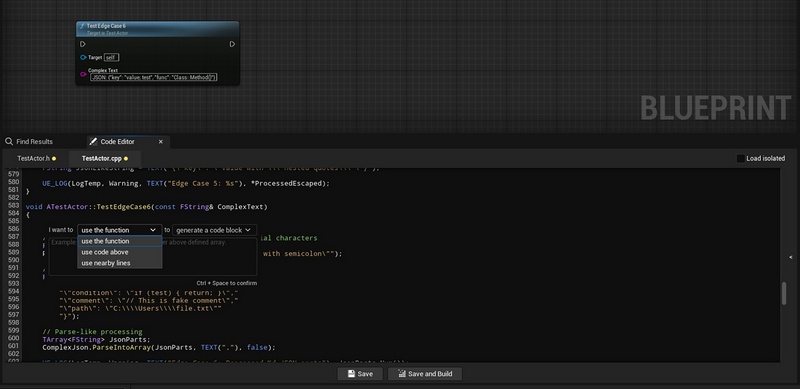
Create new Blueprint-callable functions with automatic declaration + definition generation.
Leverage AI to generate function bodies or finish lines with context-aware suggestions.
C++ syntax highlighting, search & replace, go to line, open in file explorer, keyword-based completions, and Live Coding integration.
Feature 1: In-Editor C++ Code Viewer & Editor
Dockable interface that can be placed anywhere within the Unreal Editor.
Displays and allows editing of both C++ header and implementation files directly in UE.
Feature 2: AI Code Assistant & Explanation
Integrates ChatGPT and Claude APIs for inline completions, explanations, and intelligent suggestions.
Code Modules
Module 1: QuickCodeEditor (Editor)
Blueprints and Classes
Number of Blueprints: 1
Number of C++ Classes: 47
Network Replication:
No
Supported Platforms
Development Platforms: Windows
Target Build Platforms: Win64
Supported Unreal Engine Versions: 5.1 and 5.5 – 5.6
Additional Notes
Minimum Engine Version: UE 5.1.0
Plugin Version: 0.9 (Beta)