


Motion Blur Photo Effects 3DHH4U9
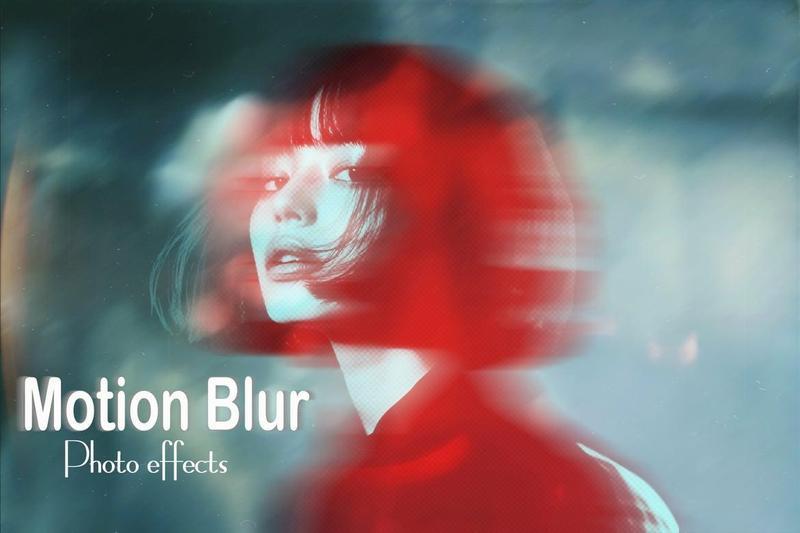
Motion Blur Photo Effects 3DHH4U9
Unleash your creativity and transform your photos into captivating artistic artwork
First, open the PSD file in Photoshop. Then open the Smart Object layer by double-clicking. Then, place your photo. After that save and close. Enjoy the result of the effect. It is very easy to use.
Included Files:
1 PSD
2 Help file
Features:
1 Smart Objects
2 High resolution
3 Easy to edit
4 Well layered & organized files