


The Quick Gamer’s Guide To Microstudio
The Quick Gamer’s Guide To Microstudio
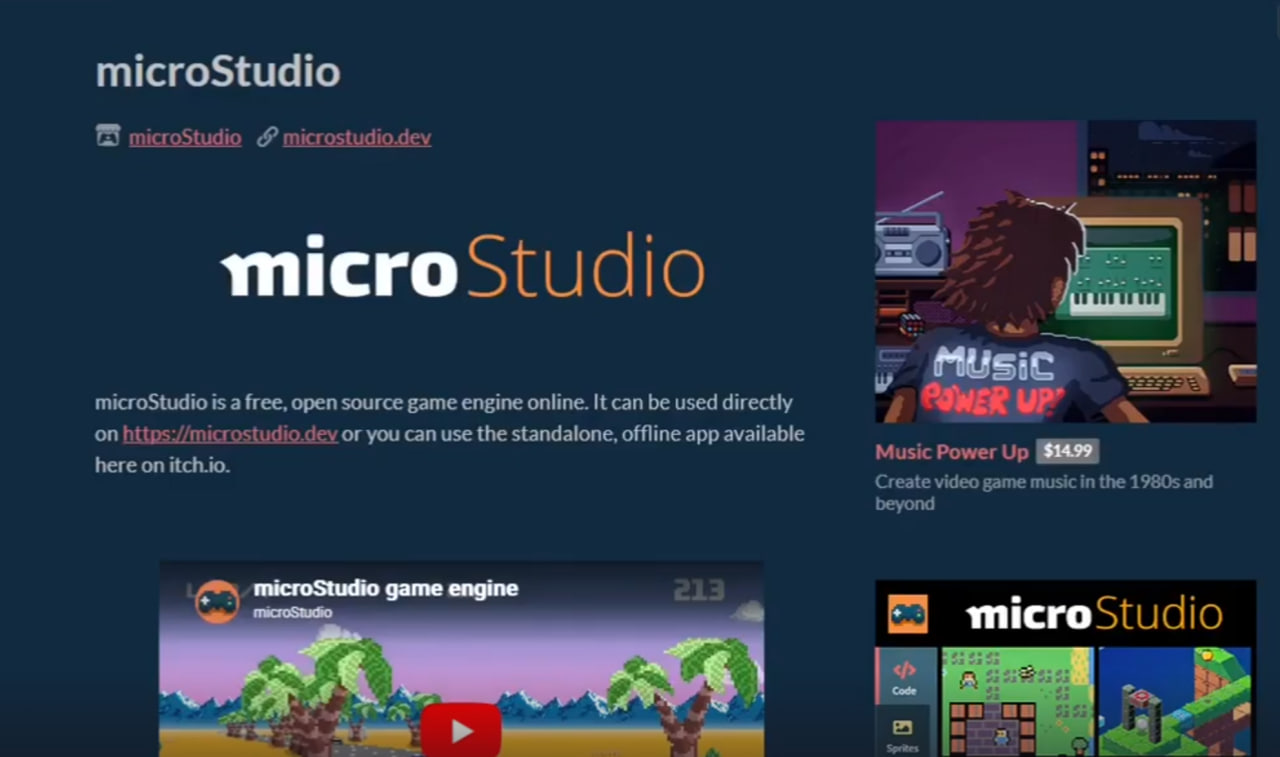
Make games in minutes not days with the simple to use web game development tool called microStudio!
What you’ll learn
microStudio is primarily intended for beginners, young coders, and educators looking for a simple, all-in-one environment to learn game development. Its user-fr
Absolute Beginners & Aspiring Developers: Individuals with little to no prior programming experience can use the simple, Lua-inspired “microScript” language to
Students & Young Coders: It is designed for educational settings and young learners interested in coding.
Indie Game Developers & Prototypers: Experienced developers looking to quickly prototype ideas, create 2D games, or participate in game jams.
Educators & Teachers: It is a suitable tool for teaching game design, offering built-in tutorials and the ability to create new ones.
Tinkers & Hobbyists: Users who prefer lightweight, accessible tools to work on small projects, including pixel art, map design, and coding.
Integrated Tools: Features a code editor, sprite editor, and map editor all in one place.
Instant Feedback: Live code reloading allows users to see changes in real-time on both desktop and mobile.
Multiple Languages: Supports microScript, Python, jаvascript, and Lua, allowing users to choose their comfort level.
Built-in Documentation: Provides immediate help within the code editor when needed.
Requirements
microStudio is a free, web-based, all-in-one game engine that requires only a modern web browser and a free, validated email account to start creating games. It supports microScript, Python, jаvascript, and Lua, allowing for 2D/3D development, sprite editing, and code sharing.
Description
Use a Fun Fancy microStudio Environment -Navigating the interface and tools.
Learn Programming Basics- Learning microScript (a simple language inspired by Lua).
Drawing with Code-Using the API to create graphics and tilemaps for game projects.
Game Creation-Step-by-step guides for making a simple, fully functional game.
MicroStudio is popular for structured learning because:
No Setup Required: It runs entirely in your browser with no installation needed.
Hot Reloading: You can change your code while the game is running to see immediate results.
Collaboration: Students can work together in teams on the same project.
Exploration: You can “clone” projects from the community to see exactly how they were built.
interactive tutorials integrated into the microStudio platform.
Instant Start & Accessibility: No downloads, installations, or login required to start. You can start coding, drawing sprites, or mapping immediately within a web browser.
Rapid Development Loop: The “hot-reloading” feature allows developers to adjust code while the game is running, providing immediate visual feedback.
Integrated Environment: The platform contains built-in tools for sprite creation, animation, sound effects, and maps, removing the need to juggle external software.
Simplified Collaboration & Learning: It’s easy to collaborate, as all assets and code are stored in the cloud. The platform makes it simple to view, clone, and learn from other users’ code.
Easy Sharing and Publishing: Games can be published with two clicks, making it easy to create a permanent URL for sharing or embedding.
Tips for Maintaining Motivation:
Participate in Game Jams: Use the platform to quickly create and publish games for, allowing for high-intensity, short-term goals.
Focus on Mini-games: The engine is ideally suited for 2D games and mini-apps, allowing for quicker completion and a higher sense of achievement.
Utilize the Community: Leverage the community forums and public projects for inspiration and troubleshooting.
Have Fun Making Your First Games in microStudio and Publish them to the Web today!!
Who this course is for:
microStudio is a free, open-source, and browser-based game development environment designed for beginners, educators, students, and indie developers looking to create 2D games and apps quickly. It is particularly well-suited for prototyping, game jams, and learning programming, offering an accessible, all-in-one platform without the complexity of engines like Unity or Godot.
DOWNLOAD FROM SYNCS.ONLINE Part-1
DOWNLOAD FROM SYNCS.ONLINE Part-2
DOWNLOAD FROM SYNCS.ONLINE Part-3
DOWNLOAD FROM SYNCS.ONLINE Part-4
DOWNLOAD FROM SYNCS.ONLINE Part-5
DOWNLOAD FROM SYNCS.ONLINE Part-6
—————————————————————–
DOWNLOAD FROM HOT4SHARE.COM Part-1
DOWNLOAD FROM HOT4SHARE.COM Part-2
DOWNLOAD FROM HOT4SHARE.COM Part-3
DOWNLOAD FROM HOT4SHARE.COM Part-4
DOWNLOAD FROM HOT4SHARE.COM Part-5
DOWNLOAD FROM HOT4SHARE.COM Part-6