


Filmora Complete Video Editing Course
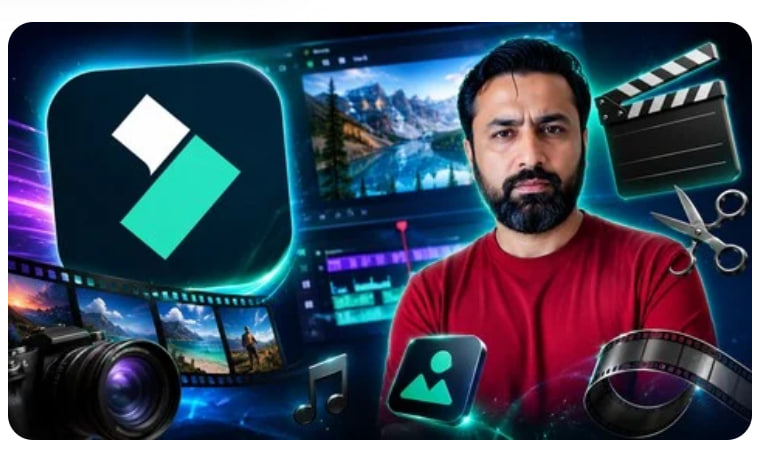
Filmora: Complete Video Editing Course
Learn video editing, YouTube content creation, AI tools, transitions, effects, audio editing, color grading, exporting
What you’ll learn
You will be Filmroa 15 expert
Create videos like a pro
editing experts
Make money online like a video editior
Requirements
Laptop
Internet connection
Description
Wondershare Filmora 15: Complete Video Editing Course
Filmora 15 – Complete Video Editing Course (Beginner to Pro)
What You’ll Learn
-Complete Filmora 15 interface and workflow
-Video cutting, trimming, splitting, and merging
-Professional transitions and effects
-Text, titles, and motion graphics
-Audio editing and enhancement
-Color correction and color grading
-AI-powered Filmora 15 tools
-Export settings for YouTube and social media
-Professional video editing techniques
Enroll today and start masteringWondershare Filmora 15 to create high-quality videos with confidence and take your content creation skills to the next level.
Are you looking for an easy yet powerful video editing software to create professional-quality videos?Wondershare Filmora 15 is one of the most popular video editing tools for beginners, content creators, YouTubers, freelancers, marketers, and business owners. With its user-friendly interface, AI-powered features, and professional editing tools, Filmora 15 makes video editing faster, easier, and more creative than ever before.
In this comprehensive course, you will learnFilmora 15 from scratch and gain the skills needed to create stunning videos for YouTube, social media, online courses, marketing campaigns, and personal projects. Whether you are a complete beginner or someone looking to improve your editing workflow, this course will guide you step-by-step through the entire video editing process.
You will learn how to import and organize media files, cut and trim clips, use transitions, add text and titles, apply visual effects, work with animations, edit audio, remove background noise, use color correction tools, and export videos in the best quality settings. The course also covers Filmora 15’s latest AI features that help you save time and produce professional results.
Throughout the course, you will work on practical examples and real-world projects that help you build confidence and develop professional editing skills. By the end of this course, you will be able to create engaging videos for YouTube channels, Facebook, Instagram, TikTok, online businesses, and client projects.
This comprehensive Filmora 15 course is designed to take you from absolute beginner to confident video editor using one of the most user-friendly and powerful editing tools available today. Whether you want to create YouTube videos, social media reels, business promos, vlogs, or cinematic content, this course will guide you step by step with clear, practical lessons.
You’ll start by exploring the Filmora 15 interface, understanding timelines, tools, and workflows so you can edit faster and smarter. From there, you’ll learn essential editing skills such as cutting and trimming clips, adding smooth transitions, working with text and titles, and applying professional-looking effects. Special attention is given to Filmora 15’s latest features, including AI tools, advanced color correction, motion effects, speed ramping, and audio enhancement.
This course focuses on real-world projects, helping you turn raw footage into polished, high-quality videos. You’ll learn how to add background music, remove noise, sync audio, apply LUTs, and export videos in the best settings for YouTube, Facebook, Instagram, and other platforms. No prior editing experience is required—everything is explained in a simple and easy-to-follow way.
By the end of this course, you’ll have the skills and confidence to edit videos professionally, save time with efficient workflows, and bring your creative ideas to life using Filmora 15. Whether you’re a content creator, freelancer, student, or business owner, this course will help you stand out with stunning videos.